The AI-native platform for frontline teams.
One simple system for every frontline team.
Training, inspections, forms and communications on the phone your teams already carry. AI-native, set up the way you run, and it works with no signal.
- Works with no signal
- iPhone, Android and the web
- English and Spanish
- Company sign-in or employee ID

Marcus Webb
Crew lead. North yard
Tap anything in the phone. It’s the live demo.
Watch
See PortalBase in two minutes.
One shift in PortalBase (sometimes written Portal Base), on the phone and the web. Captions are on, so it works with the sound off.
See it
Training, forms, reports, certificates, AI and sync, the way your teams use them.
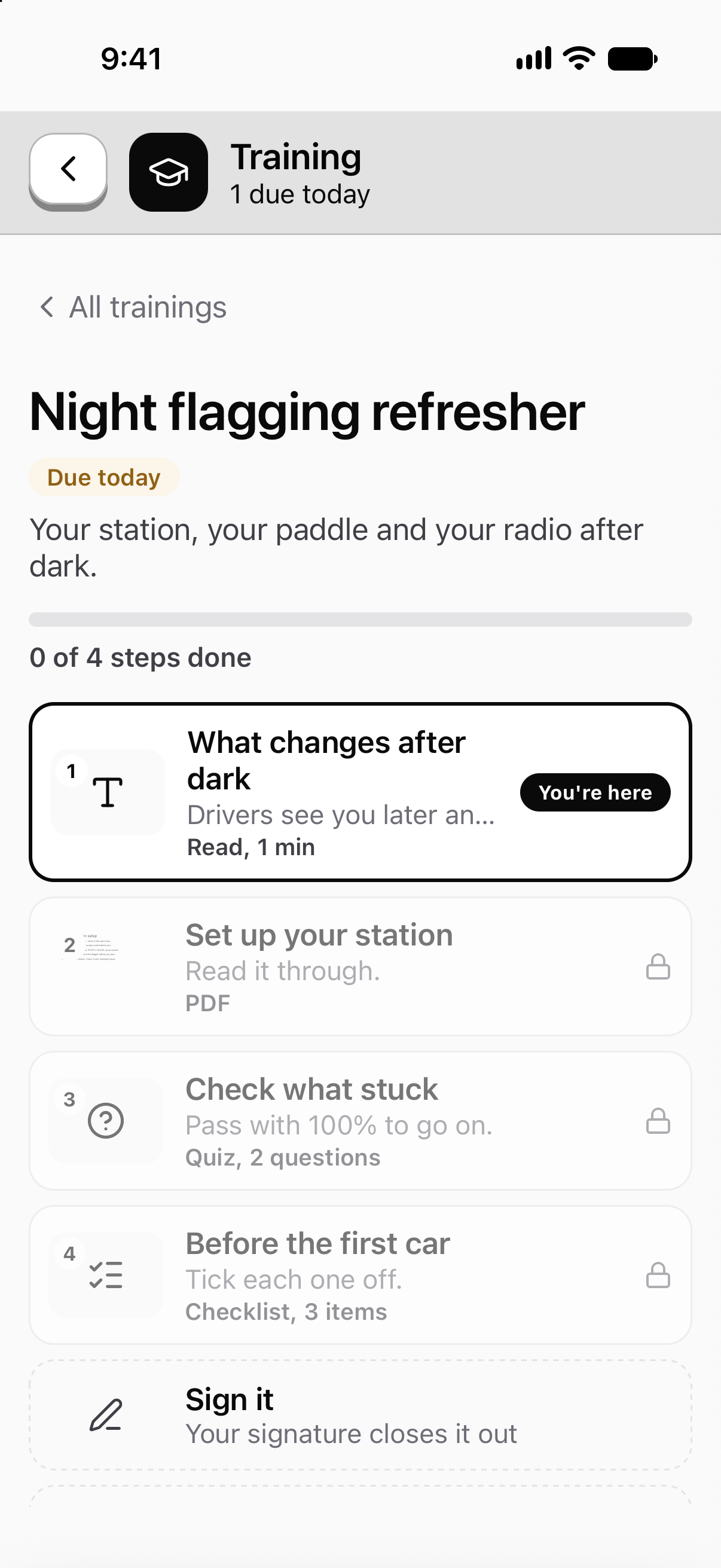
Build a training from videos, PDFs, quizzes and checklists. Try it before you publish it. Crews take it on the phone.

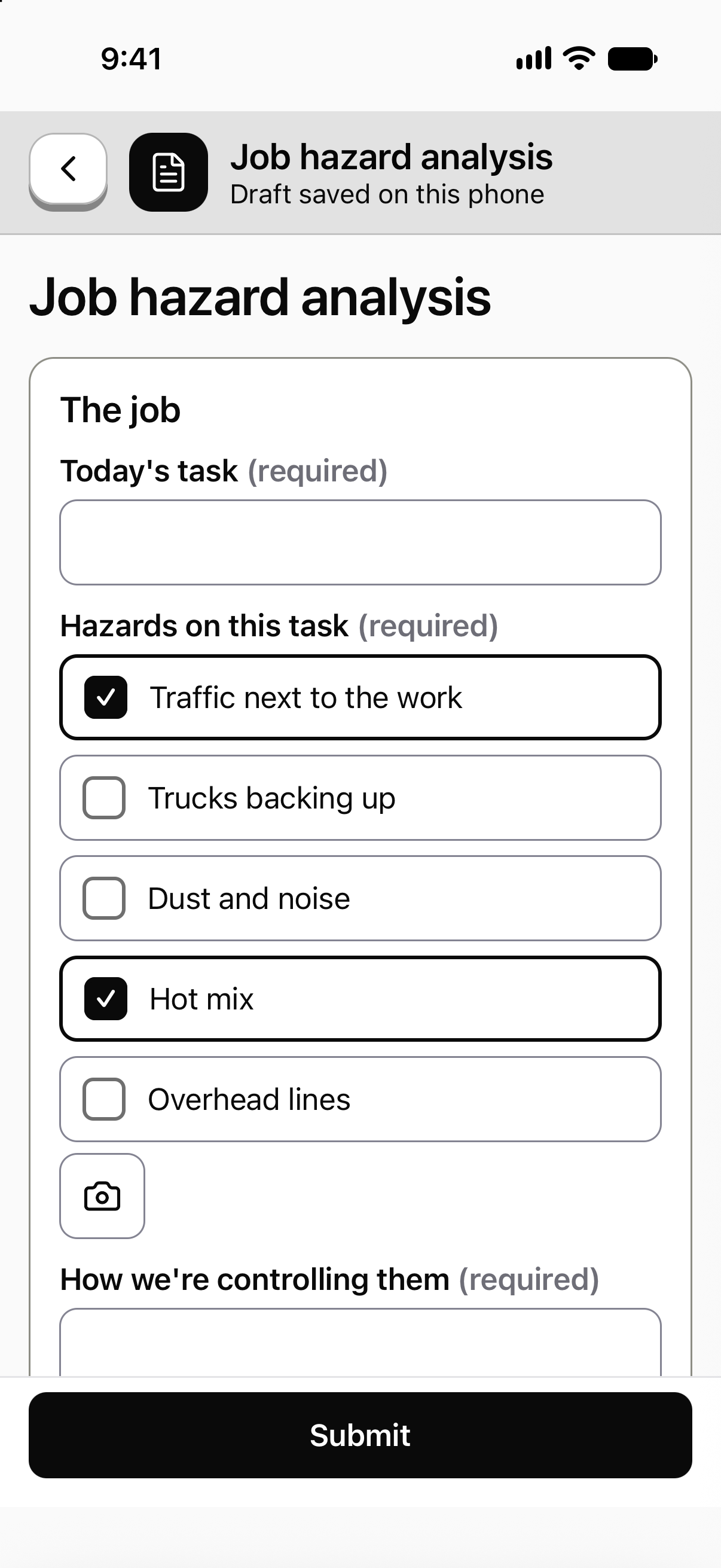
Build the form your crew fills in, with every question the way you'd ask it. It works on the phone with no signal.

Who's signing in and using it, set against the month before. One screen, every site.

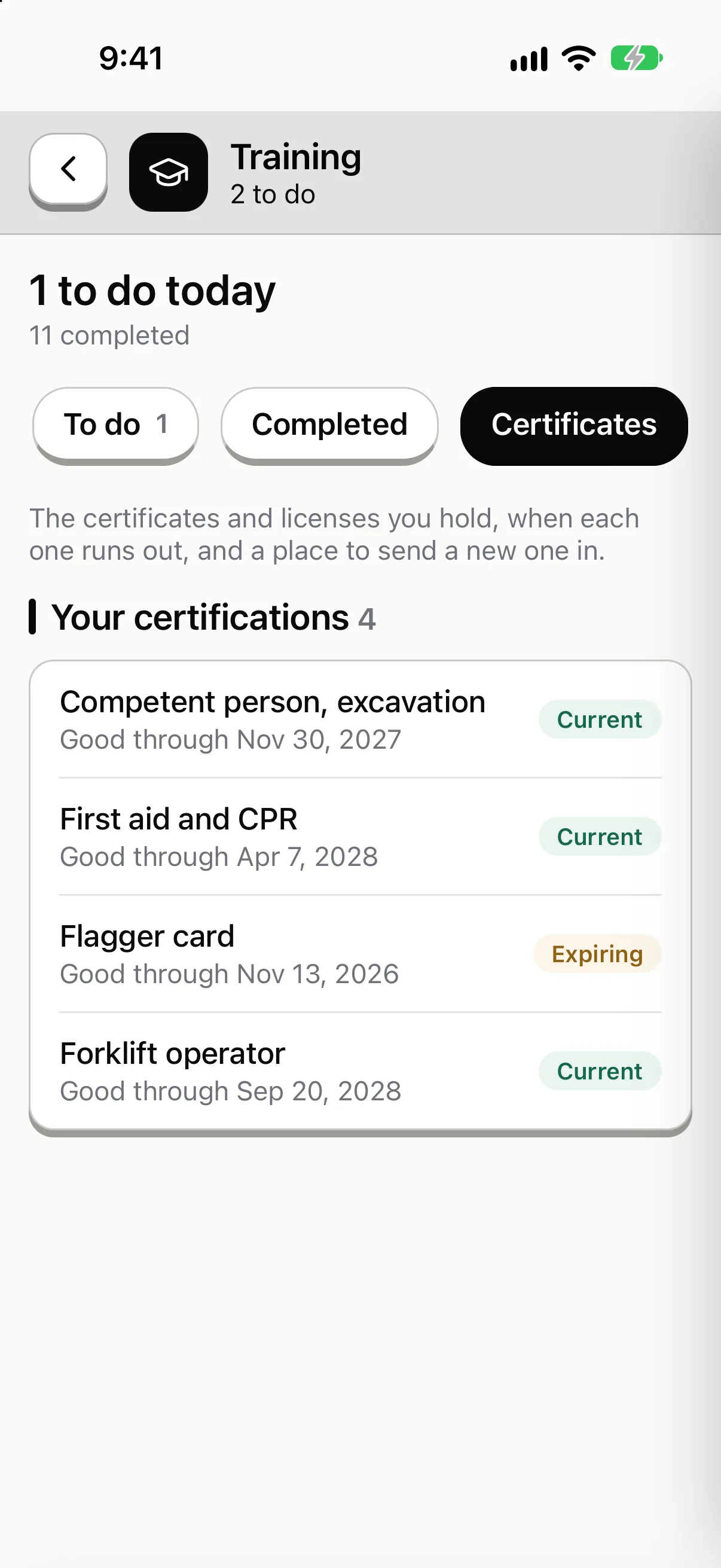
Who holds each certification, what's expiring and what has run out. Each person carries theirs on the phone.

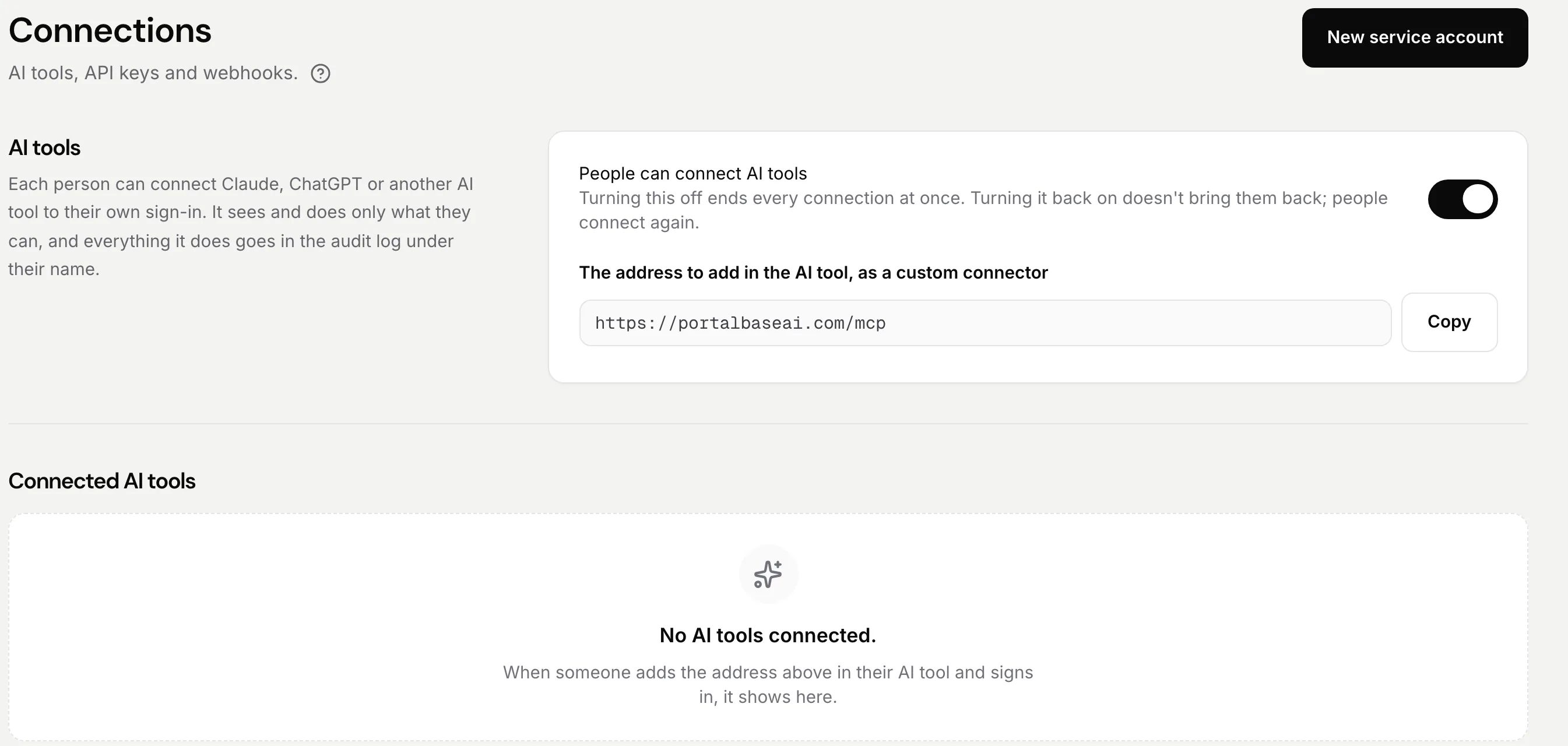
Connect PortalBase to Claude, ChatGPT or Copilot. Each connection sees only what the person can.
Keep people in step with the file your HR or payroll system makes. You see every change before it's written.

Sample data from our own demo company.
See how it fits togetherA day on the crew
Follow one shift, start to finish.
01
Start of shift. Your list is ready.
What's due today sits on top, overdue first. The pre-shift check is one tap away.
02
Check it, photo it, sign it.
Each step takes a photo or a signature right where you're standing. Nobody walks back to the truck for a clipboard.
03
A lesson on the same phone.
Short courses with a quiz sit next to the work. Finish one on a break and it lands on your record.
04
No signal. It still works.
Down in the pit or out on the lease, everything saves on the phone and sends when signal comes back.
05
Back at the desk, the lead sees it all.
The same records show up on the web: who finished, what's overdue, what's open. Nothing gets typed in twice.
One system, two surfaces
The phone is where the work happens. The web is where it comes together.
On the phone
For the crew
- Today's list: tasks, courses, forms and inspections
- Works with no signal and syncs when it can
- Photos, video and signatures on the step
- Sign in by company login, text code, PIN or QR badge
On the web
For everyone who needs the whole picture
- The safety lead. Reviews failures, opens repairs and has the record when an auditor asks.
- The training lead. Assigns courses, sees who finished and who can do the job.
- Operations. One view across every site and shift. What's done, late or blocked.
- Admins. Build forms, set up people and sites, and decide what each crew sees.
Same account. Same list. Same record. Admin tools sit inside the regular web app, not in a separate console.
New and worth a look
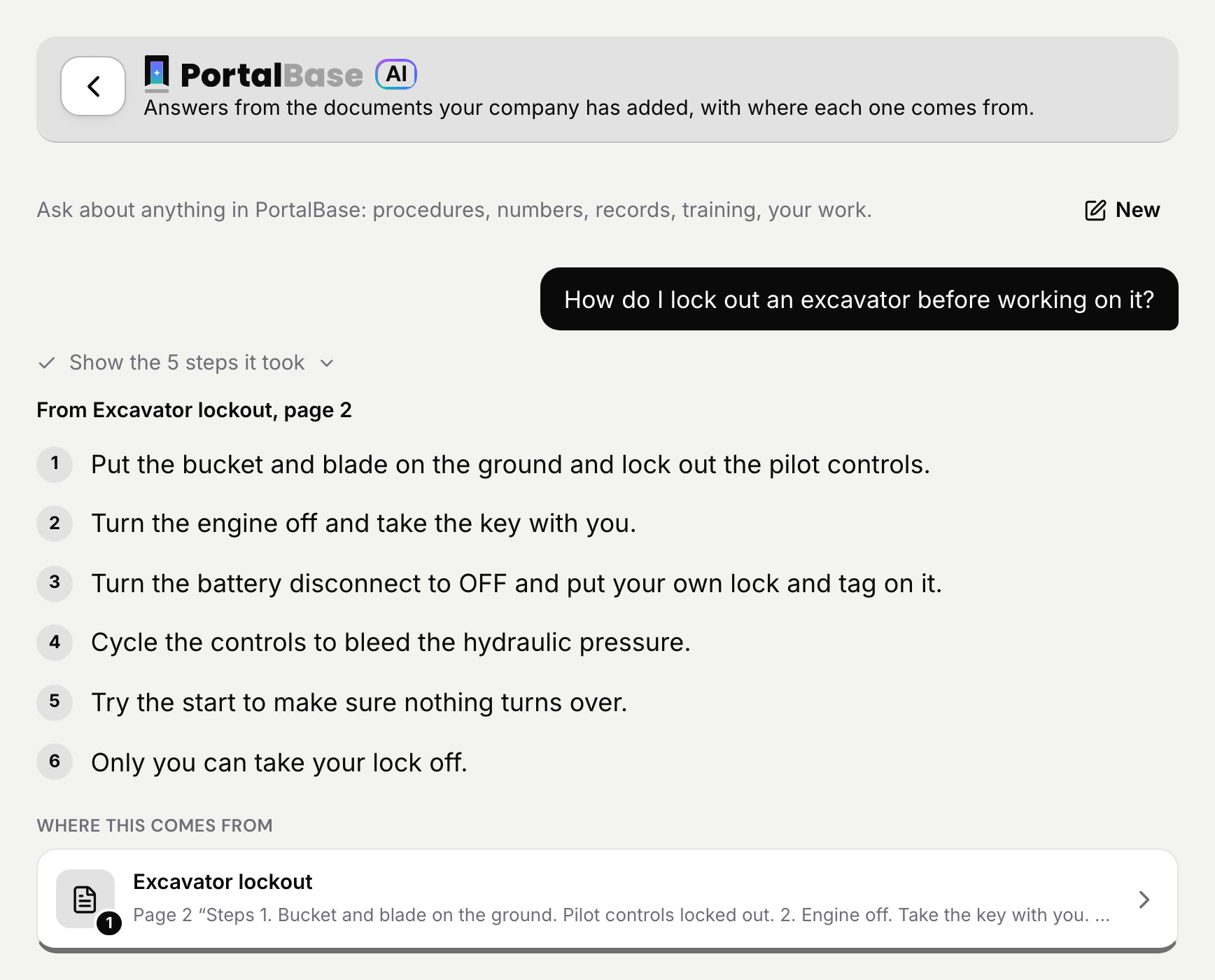
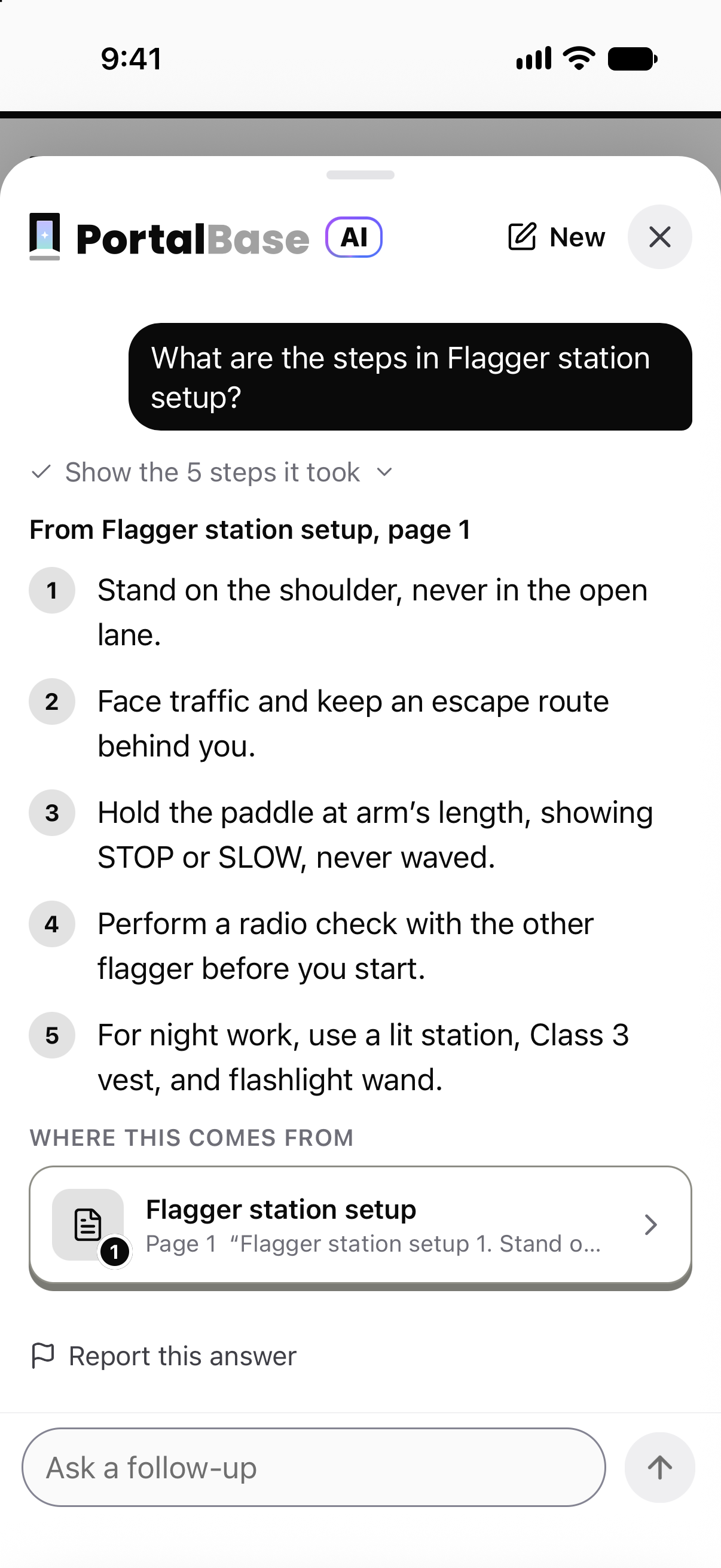
Ask PortalBase AI, and get the answer with the page it came from.
Ask in plain words. The answer comes from your own documents, with the page and the exact words, so a worker can check it before acting.
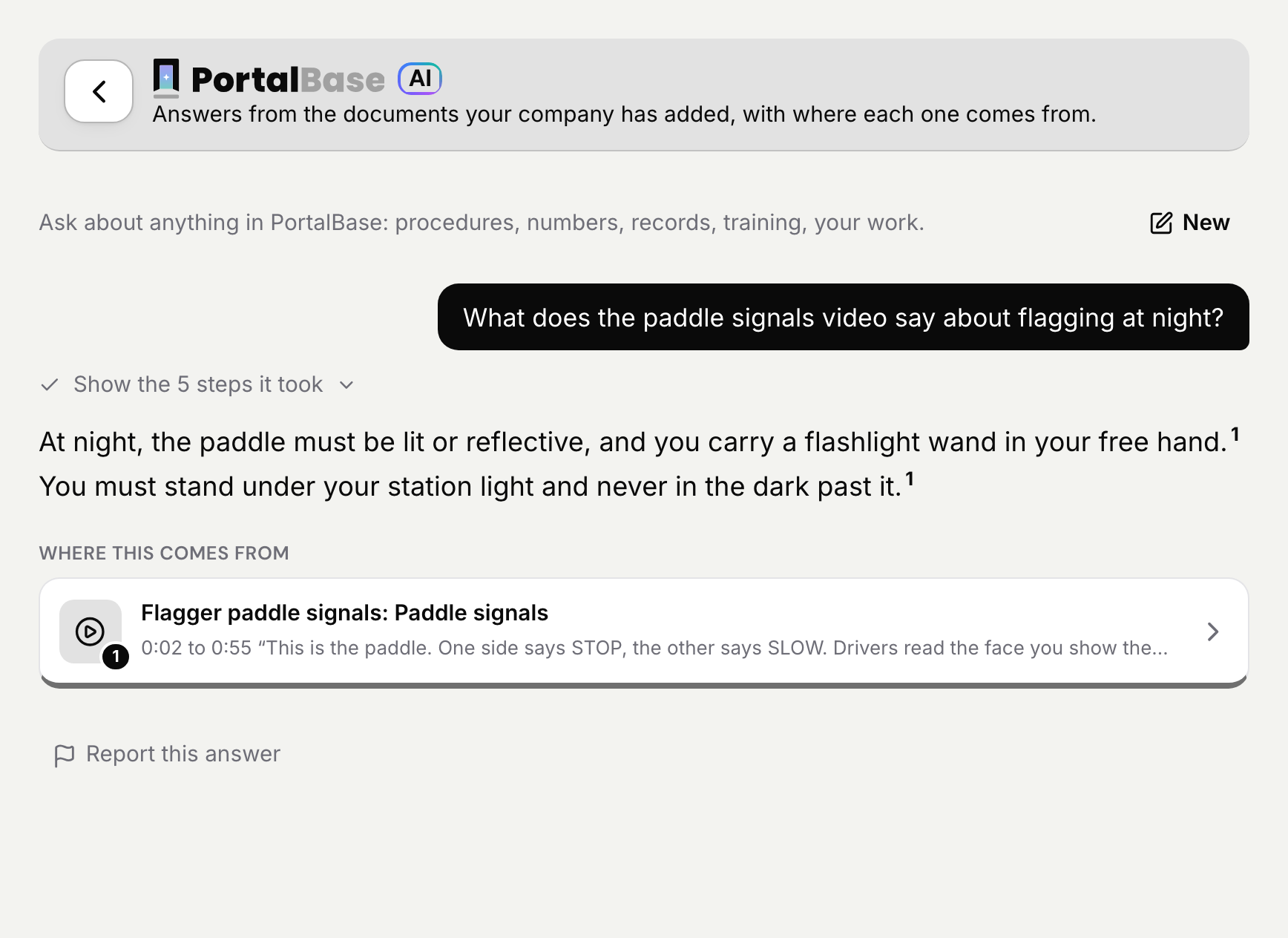
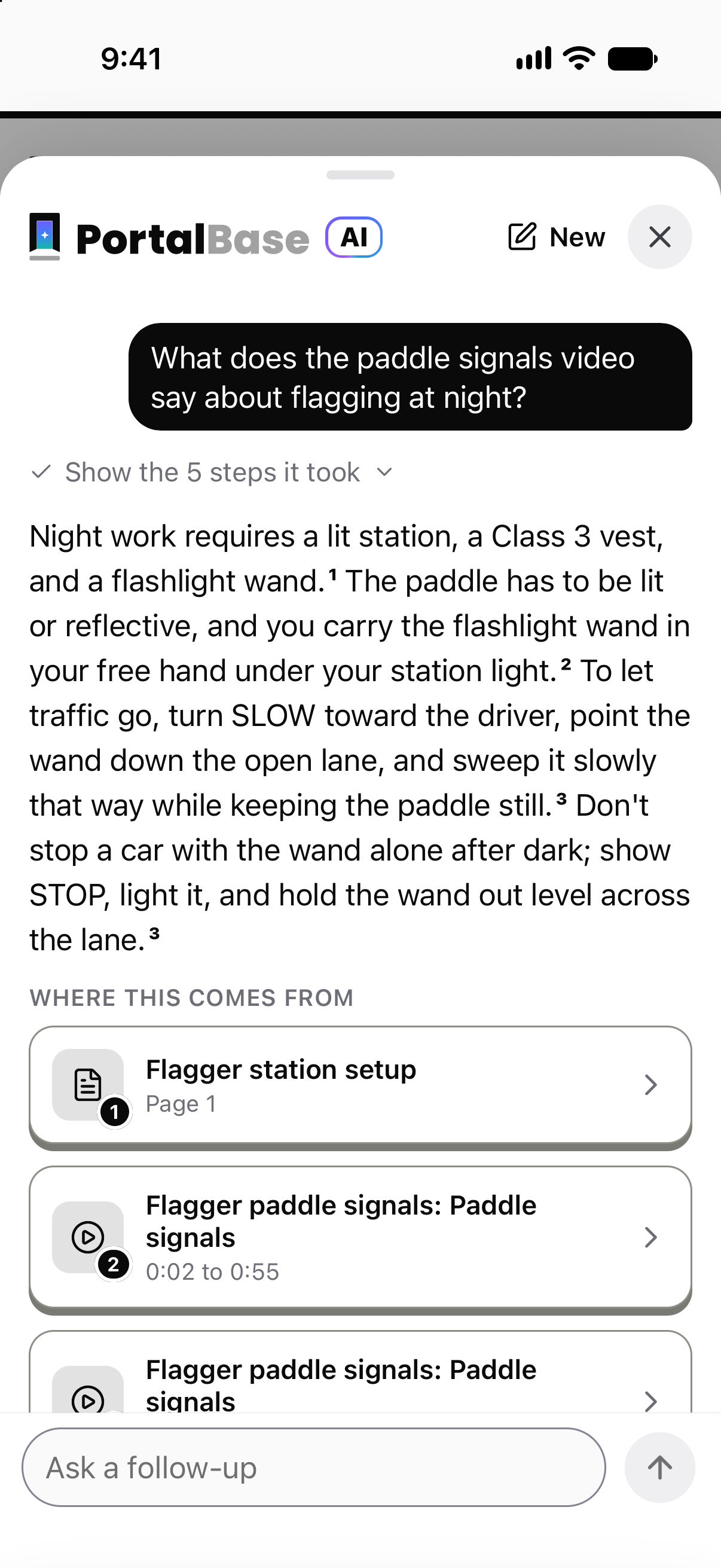
It answers from your training videos too.
Ask about something said in a training video and the answer shows the moment, from 0:02 to 0:55 here, with the words from it. The sample video in this picture is a demo training with made-up captions.
Know who holds what, and what's about to run out.
Every certification shows how many people hold it, how many are expiring and how many have run out. Each person carries theirs on the phone.

Connect your own AI to your own PortalBase.
Turn it on, copy one address, and your people ask their own AI about their own PortalBase. Each connection sees only what that person can, and anything an AI drafts waits for a person to publish.

Keep people, equipment and sites in step.
Drop in the file your HR or payroll system makes. PortalBase checks it first, shows what will change, and only then applies it.
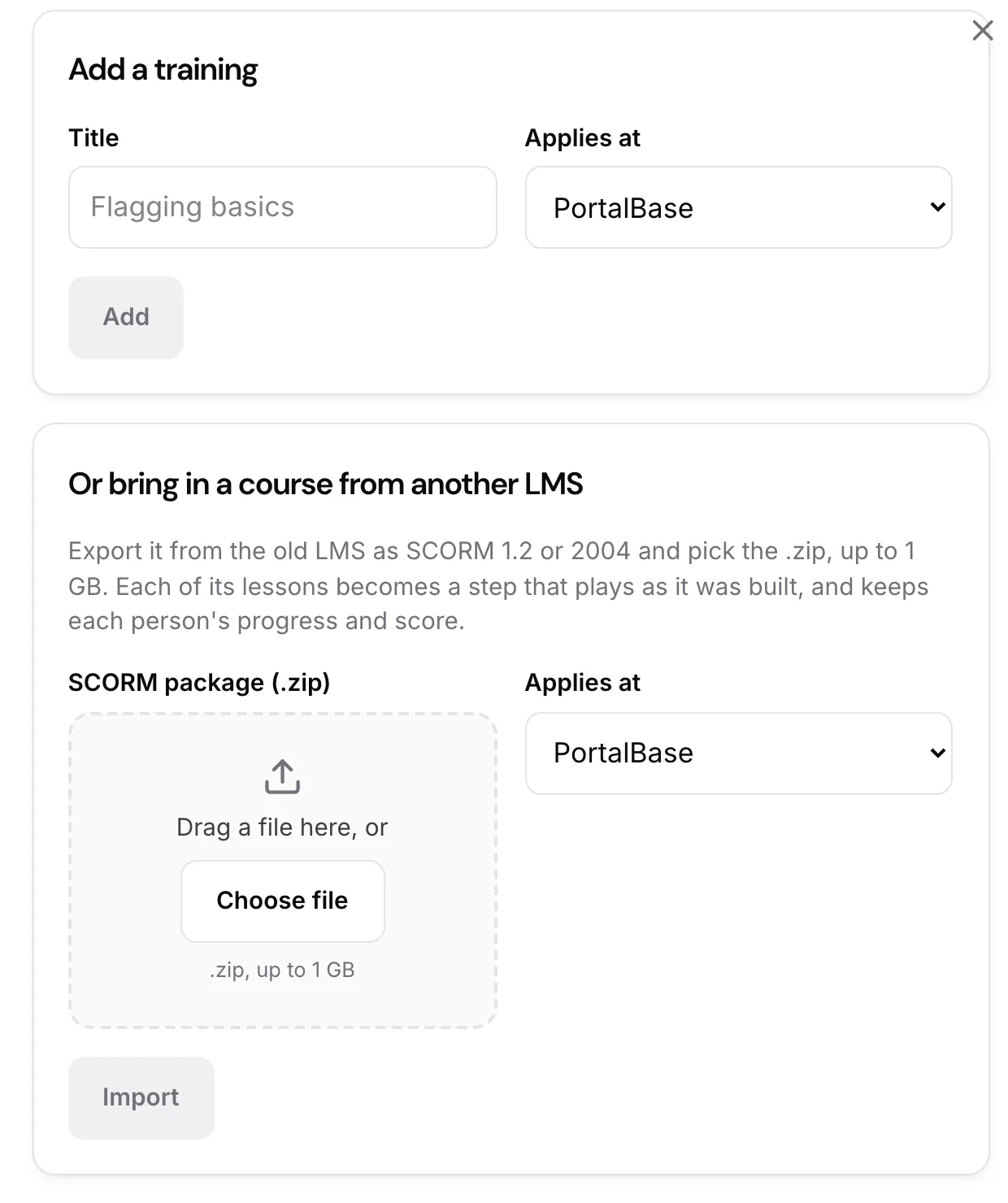
Bring your old courses with you.
Export a course from your old LMS as SCORM 1.2 or 2004 and drop in the .zip. Each lesson becomes a step, and each person's progress and score come with it.
Light by default. Dark when the shift calls for it.
Anyone can switch the web app or the phone to dark mode under their profile. It stays on that device.

Sample data from our own demo company.
The building blocks
Pick the pieces you need.
Each product does one job. They share one list, one sign-on and one record, so adding the next one doesn’t mean adding another system.
Training and LMS
Mobile LMS. Courses, quizzes, skill checks
Read more →Inspections
Inspection app. Photo and video on every step
Read more →Forms and logs
Form builder. Daily logs, handover, sign-offs
Read more →Safety and incidents
Incident reports, near misses, corrective actions
Read more →Tasks and assignments
Assign tasks, courses and checks by role
Read more →Reports and analytics
Dashboards and exports. Each number opens its records
Read more →PortalBase AI
Answers, reports and drafts you publish
Read more →Integrations
SSO, HRIS sync, CSV, API, webhooks, MCP
Read more →Workflows
Workflow builder. Steps run when something happens
Read more →Communications
Announcements, reminders and work texts
Read more →How they come together
Put them together for the job in front of you.
A solution is a few products pointed at one problem. Safety and compliance, for example, is training, inspections, forms, incidents and reports working off the same record.
Safety and compliance
Training, inspections, forms and incidents in one record
OSHA recordkeeping
The 300, 300A and 301 from your incident reports
Training and competency
Know who learned it and who can do it
Task and shift management
Everyone on the shift sees the same list
Equipment inspection and repair
Inspect, take out of service, fix, release
Field data collection
Forms, logs and photos that roll up to reports
Crew access
Text code, PIN or QR badge. SSO where you have it
Where it runs
Wherever the crew is.
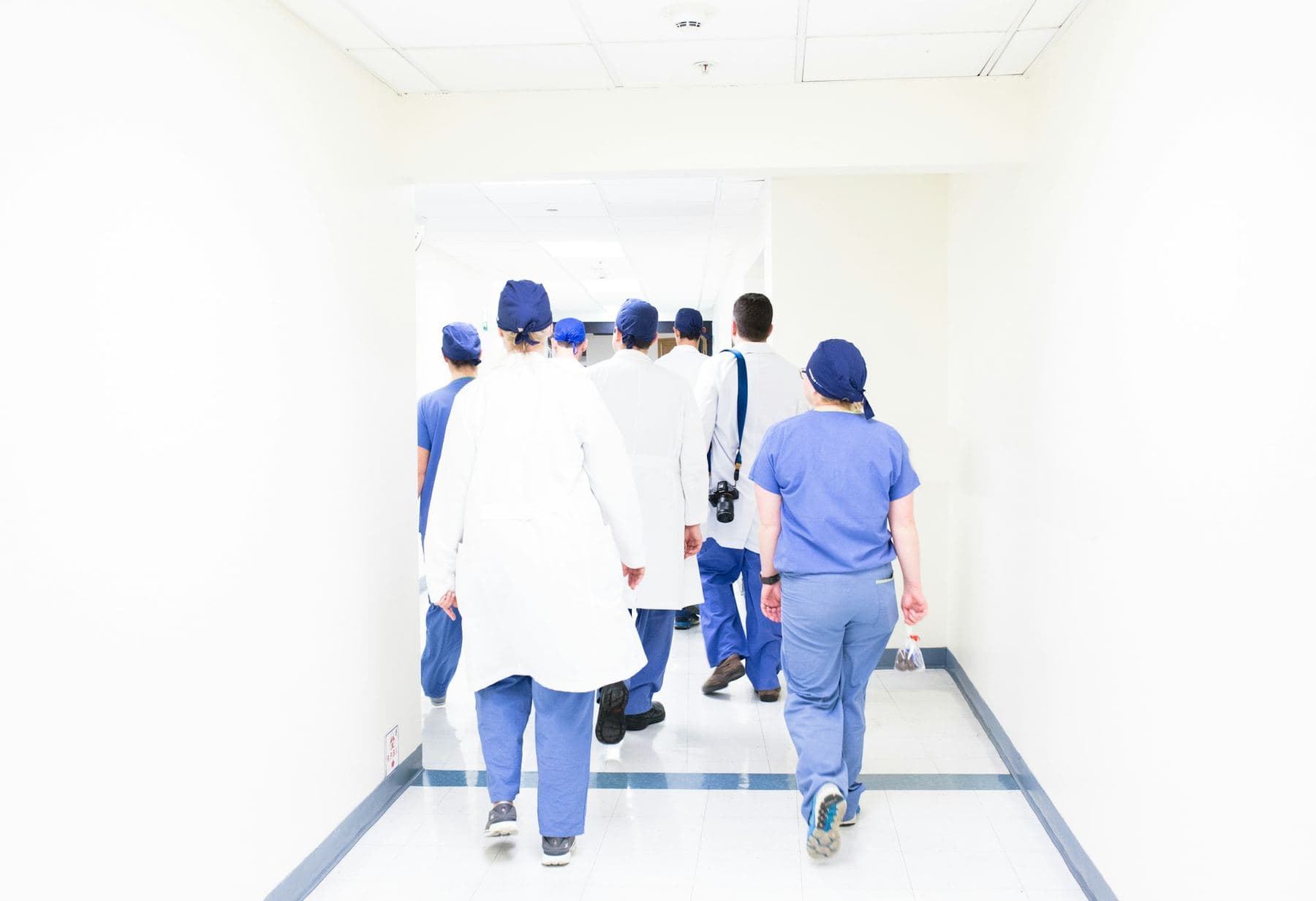
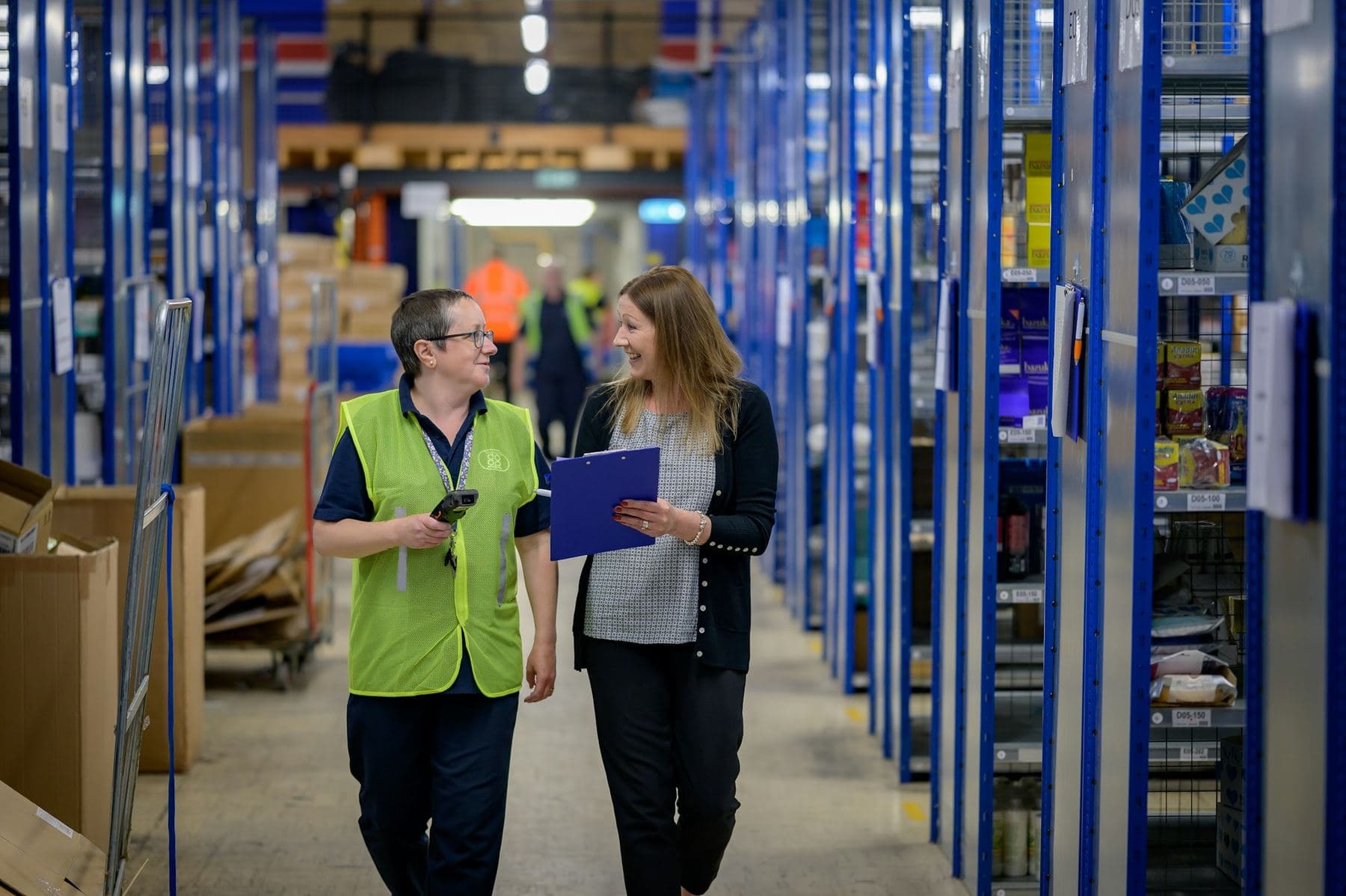
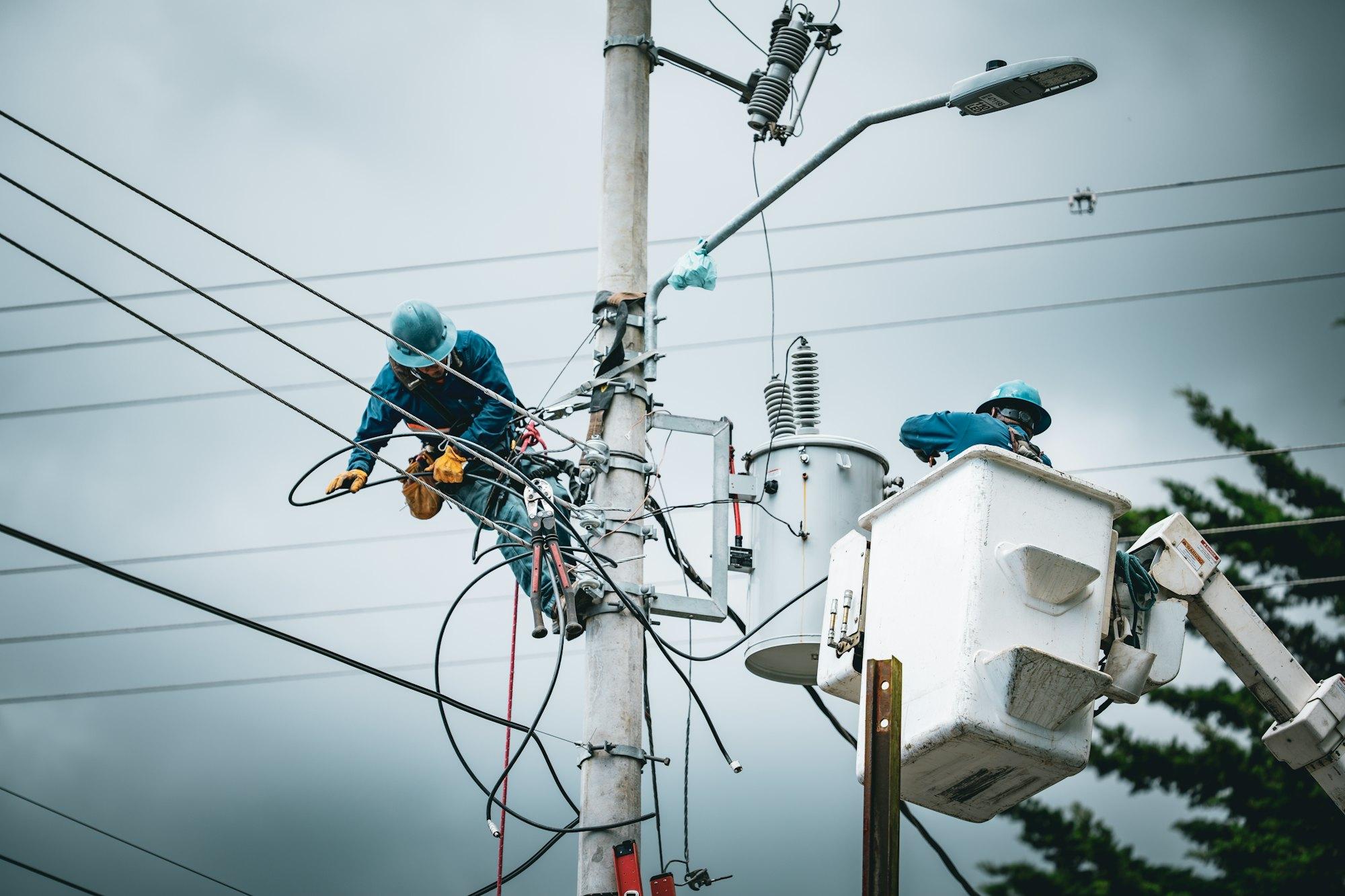
17 fields so far, from job sites and pits to hospital halls and store floors. Each page covers the checks, the paperwork and the places with no signal.


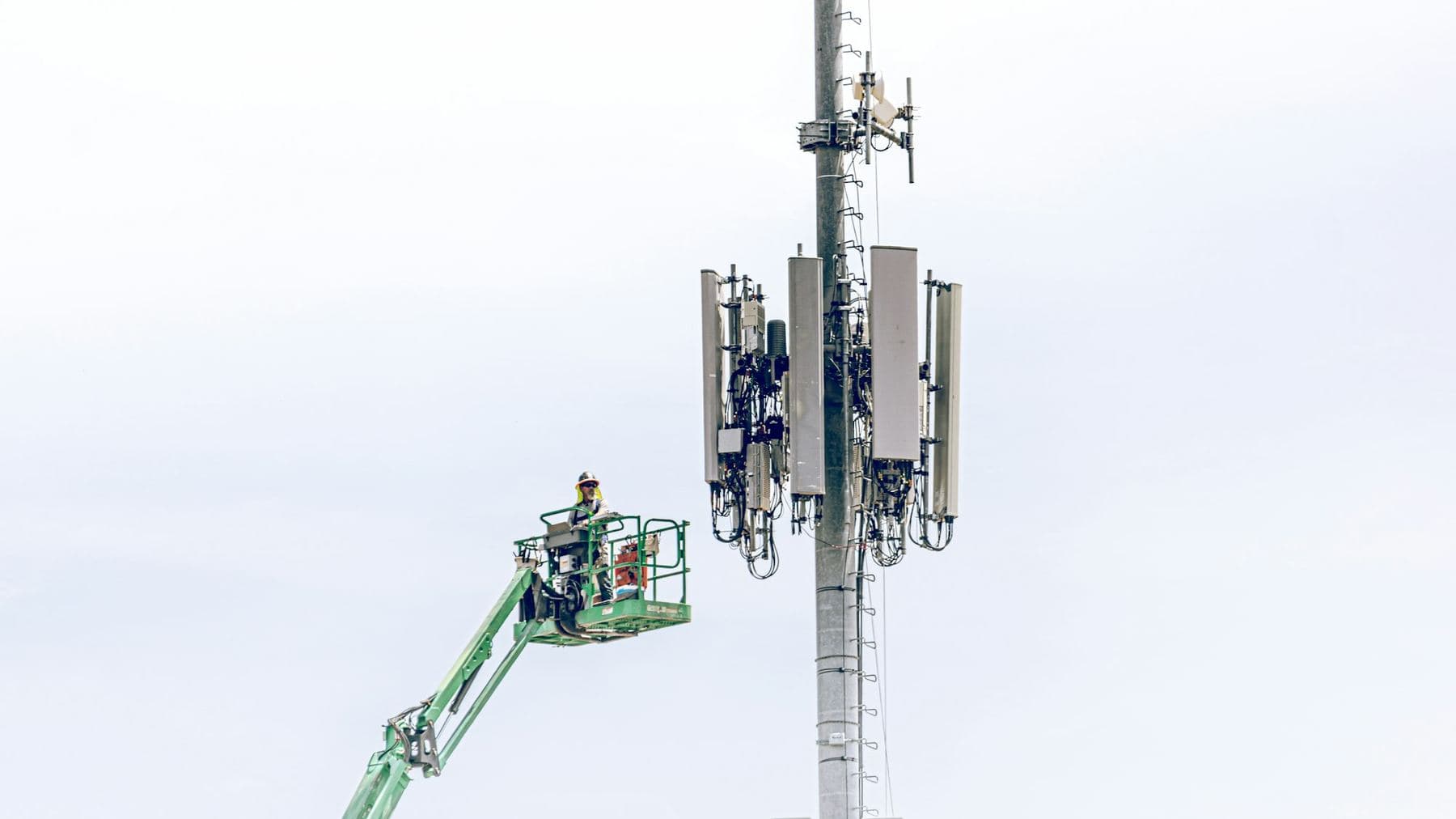


Offline
Works with no signal. Syncs when it’s back.
Recorded in the app, sample data.
Basements, tunnels, rural yards, the far side of a plant. Whatever a person is assigned works there, and everything they do saves on the phone first.
- Training, videos and quizzes
- Forms with photos and signatures
- Inspections, start to finish
- Today's tasks and open items
PortalBase AI needs signal. With none, the app searches the documents already on the phone instead. See what works offline
Try it
Tap around. Pick your kind of work.
Same product on the phone and on the web. Mark a task done, finish a course, send a form. Switch the industry and the words, the tiles and the color follow.
Marcus Webb
Crew lead. North yard
What you get back
Every inspection lands in one queue.
Failures sit on top. Open one and you see who did it, where, the photos and clips attached to each step, and the repair task it started. Fix a mistake and the original stays on the record.
Forklift pre-use
J. Alvarez
Plant 2, dock
PassBucket truck walkaround
T. Nguyen
North yard
ConcernLockout, baler 4
R. Okafor
Plant 2, line 3
PassScaffold inspection
M. Rossi
Tower B, level 6
FailRecord
Scaffold inspection
- Where
- Tower B, level 6
- When
- Captured on the phone, offline
- Evidence
- 4 photos, 1 clip
- Opened
- Repair task, assigned
Correcting it adds a new version. The original stays.
Flexible
Shaped to your company, not the other way around.
You name your own levels, from region to plant to crew. Your admin picks which tiles each type of user gets, in what order, with your names and your icons. Your logo and colors carry across the app and the web.
Worker, 6 tiles
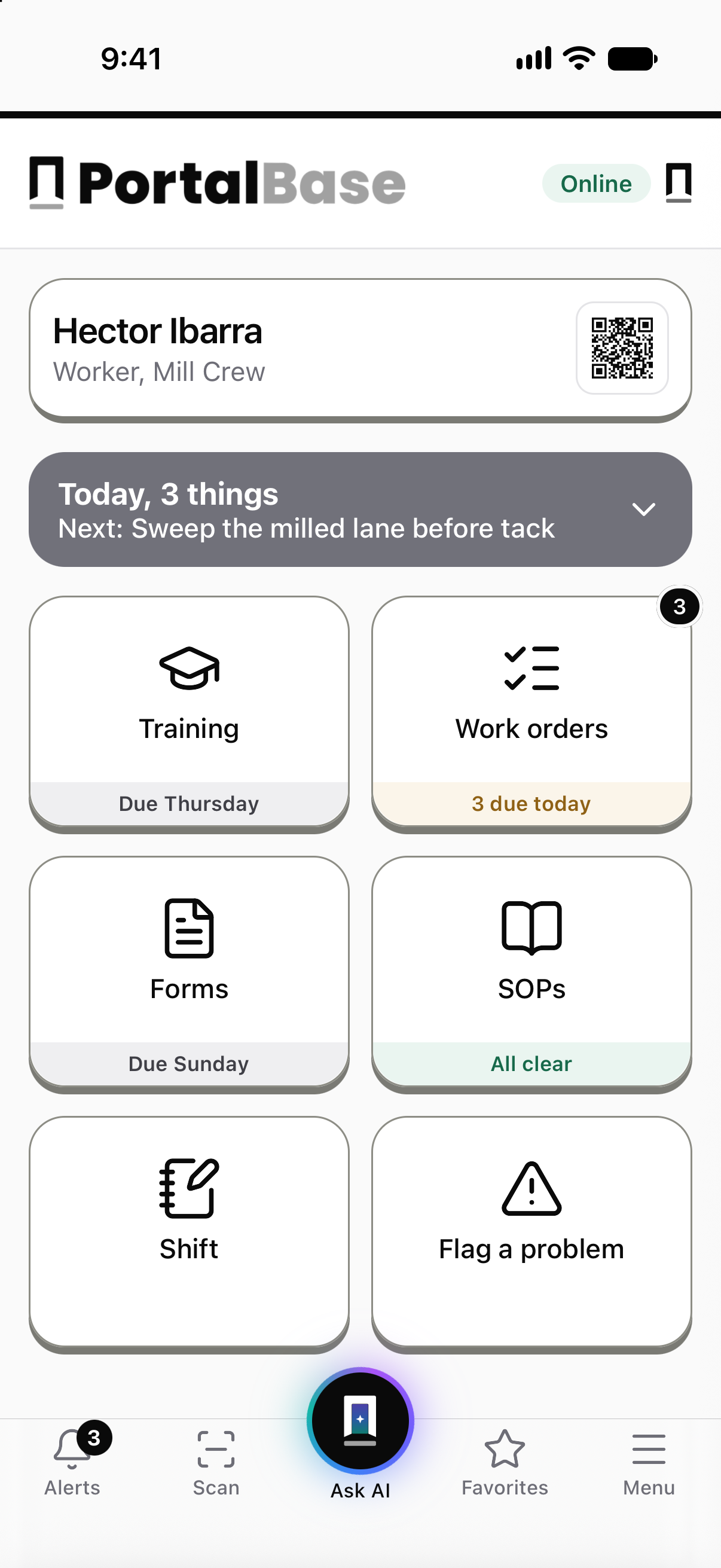
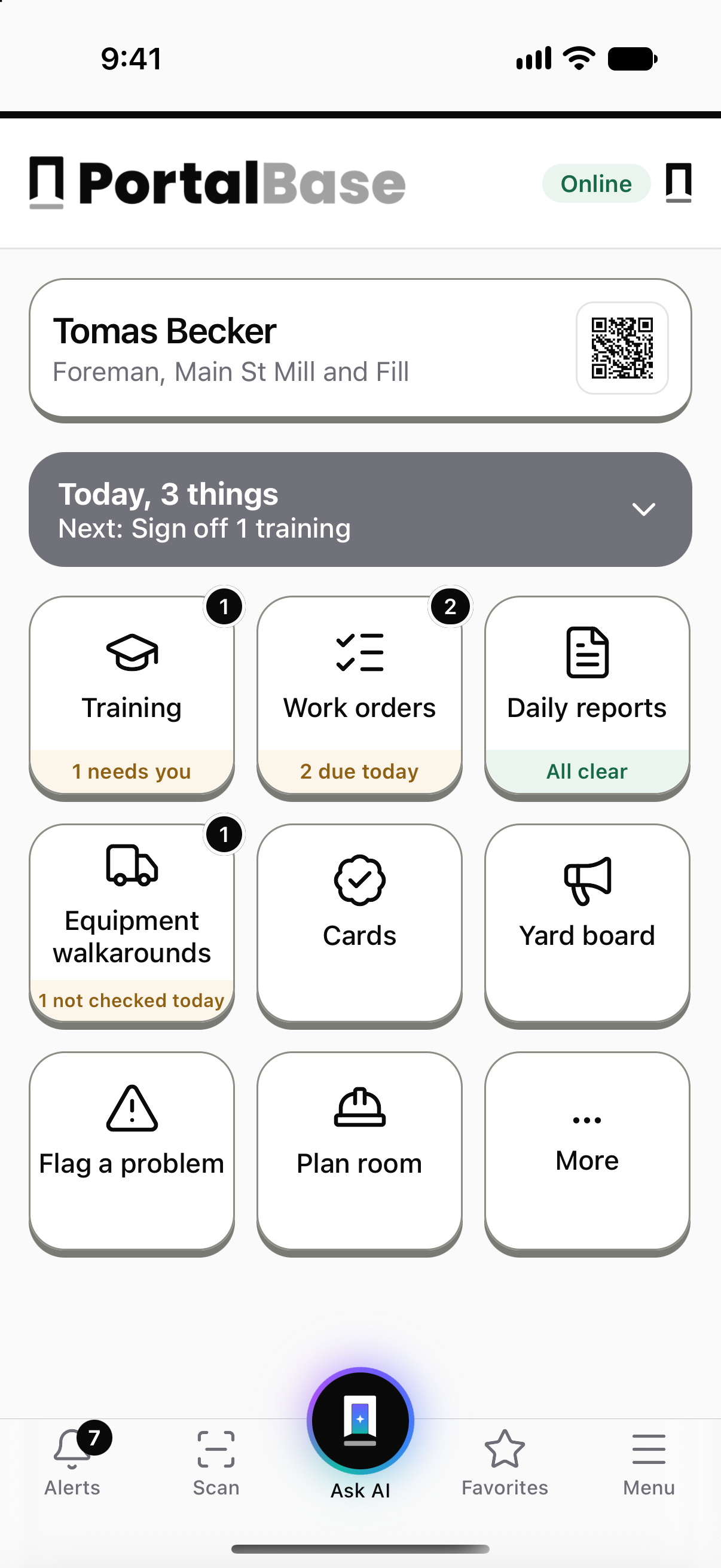
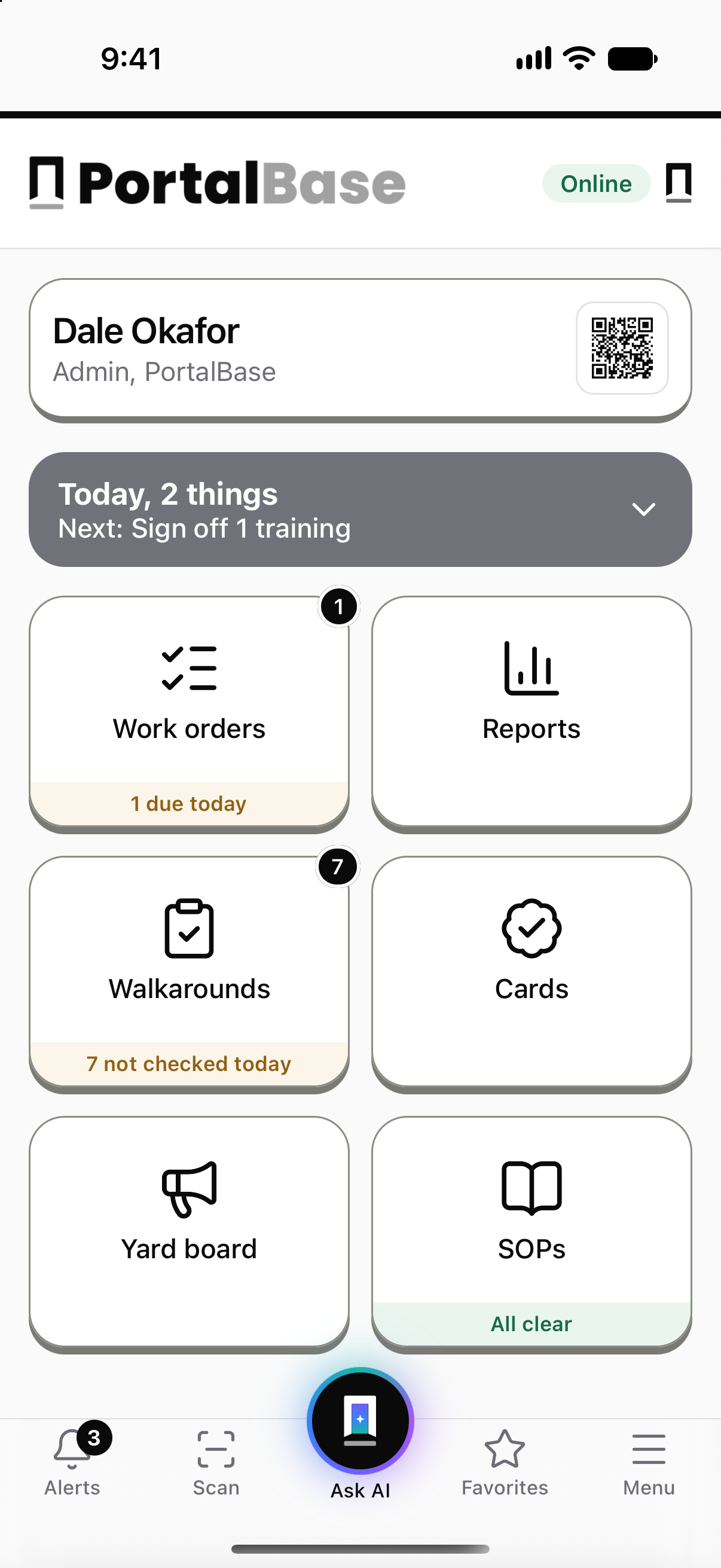
Training, work orders, forms, SOPs, shift notes and Flag a problem.
Build with AI
Describe it. Build with AI drafts it.
Type what you need, or start from a photo of the paper form. Keep chatting to change it. Every change can be undone. Nothing goes live until you publish.
Describe it, then check the plan before anything changes. Keep chatting to change it, and Undo takes back what you built. Nothing goes live until you publish.
Free tools
Free tools for people who run crews.
Calculators and printable sheets, no login. Use them as they are, or change them to fit your site.
TRIR and DART calculator
Enter your cases and hours. See your rates and the math.
Open it →Forklift pre-use checklist
A daily check you can print or save as a PDF.
Open it →Job safety analysis template
Steps, hazards, controls and a crew sign-on.
Open it →Bring us one real job.
One inspection, one form or one training step. We’ll show you how it runs on a phone.
Rather poke around first? Try the demo