
Why PortalBase
One system the whole frontline can use.
Training, forms, inspections and safety records on the phone, with no signal needed. AI that drafts and answers from your own documents. Records that hold up. And a rollout that is choices and imports, not a project.
One system, not five apps.
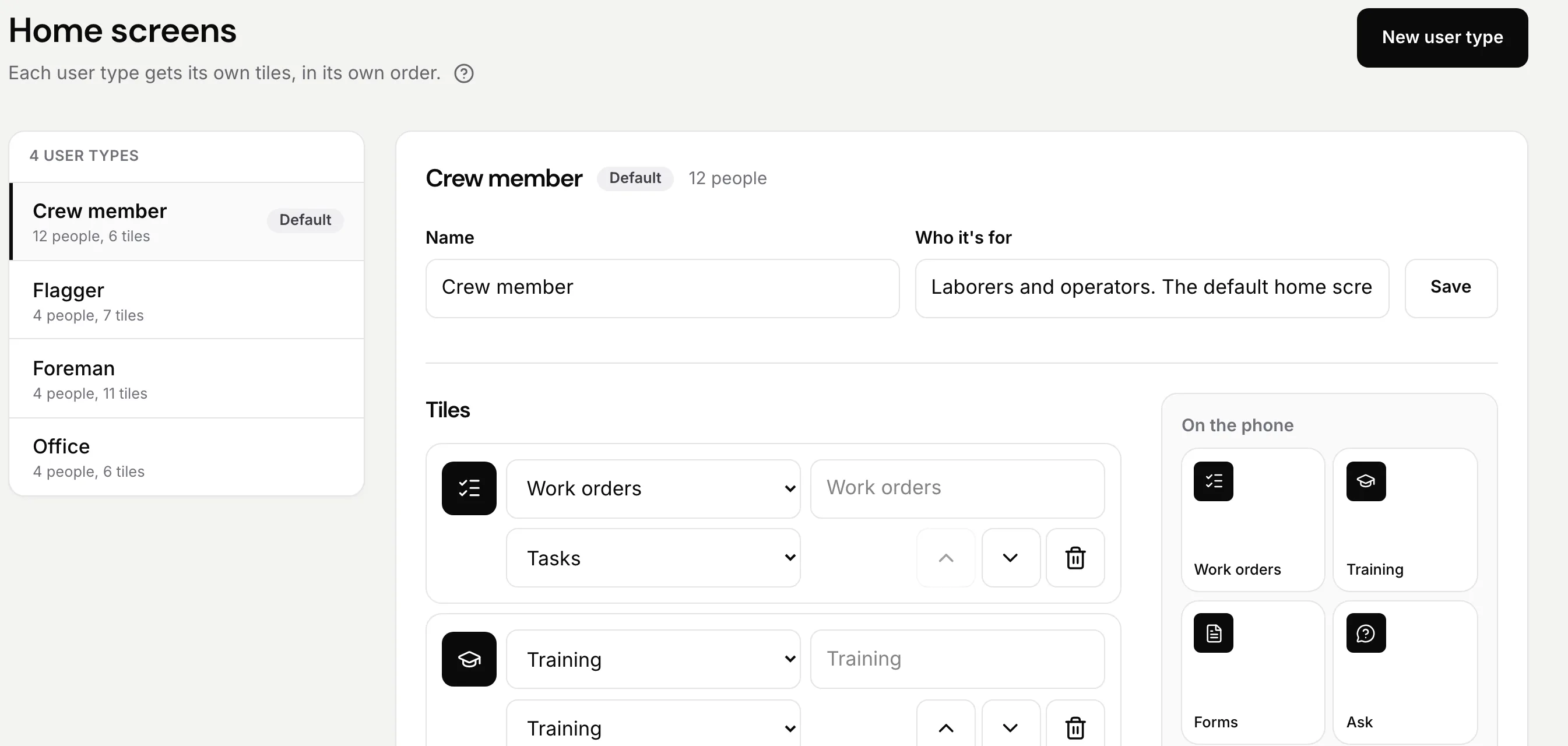
Training, forms, inspections, corrective actions, certifications, tasks and reports share one list of people and one record. Nothing gets retyped from one tool into the next.
A failed step becomes a repair.
A repair is a task with an owner and a date. A finished training updates a certification.
One app on the phone, one on the web.
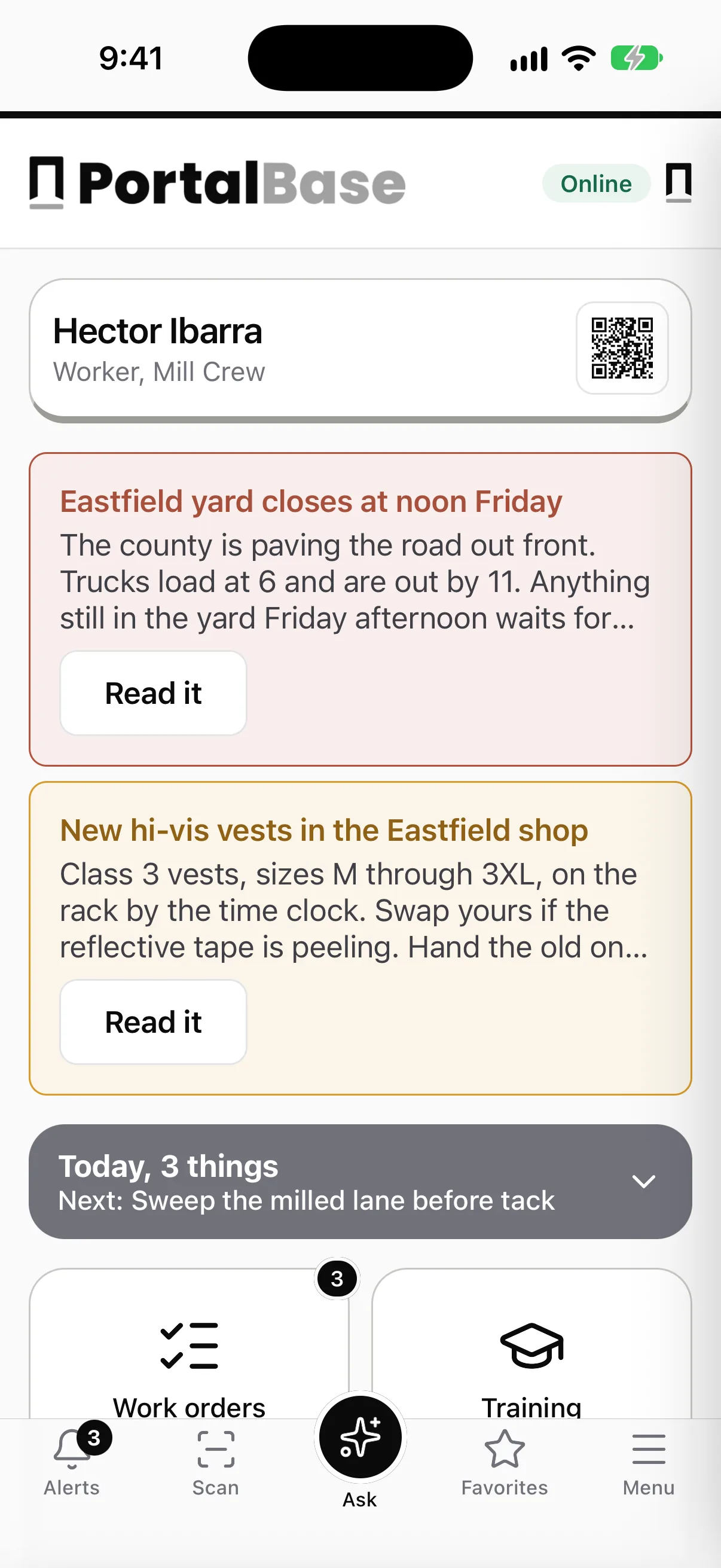
Crews work on the phone. Leads and admins work in the web app, with the admin tools inside it, not in a separate console.
One sign-on.
One account for everyone. Where a company runs single sign-on, they use that.
Built for people who don't sit at a desk.
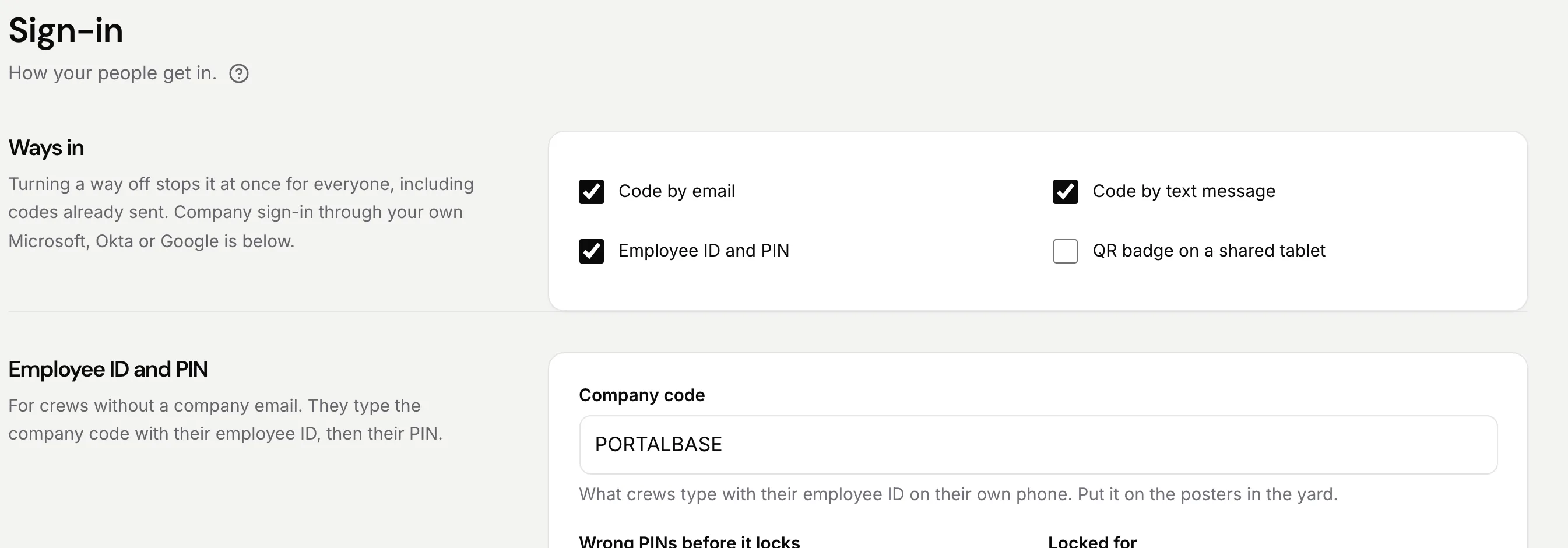
A crew works in a basement, a cab, a cooler or a back lot. The app has to work there, and getting in can't depend on a work email.
No signal needed.
Training, forms and inspections work with no signal and send when the phone is back in range.
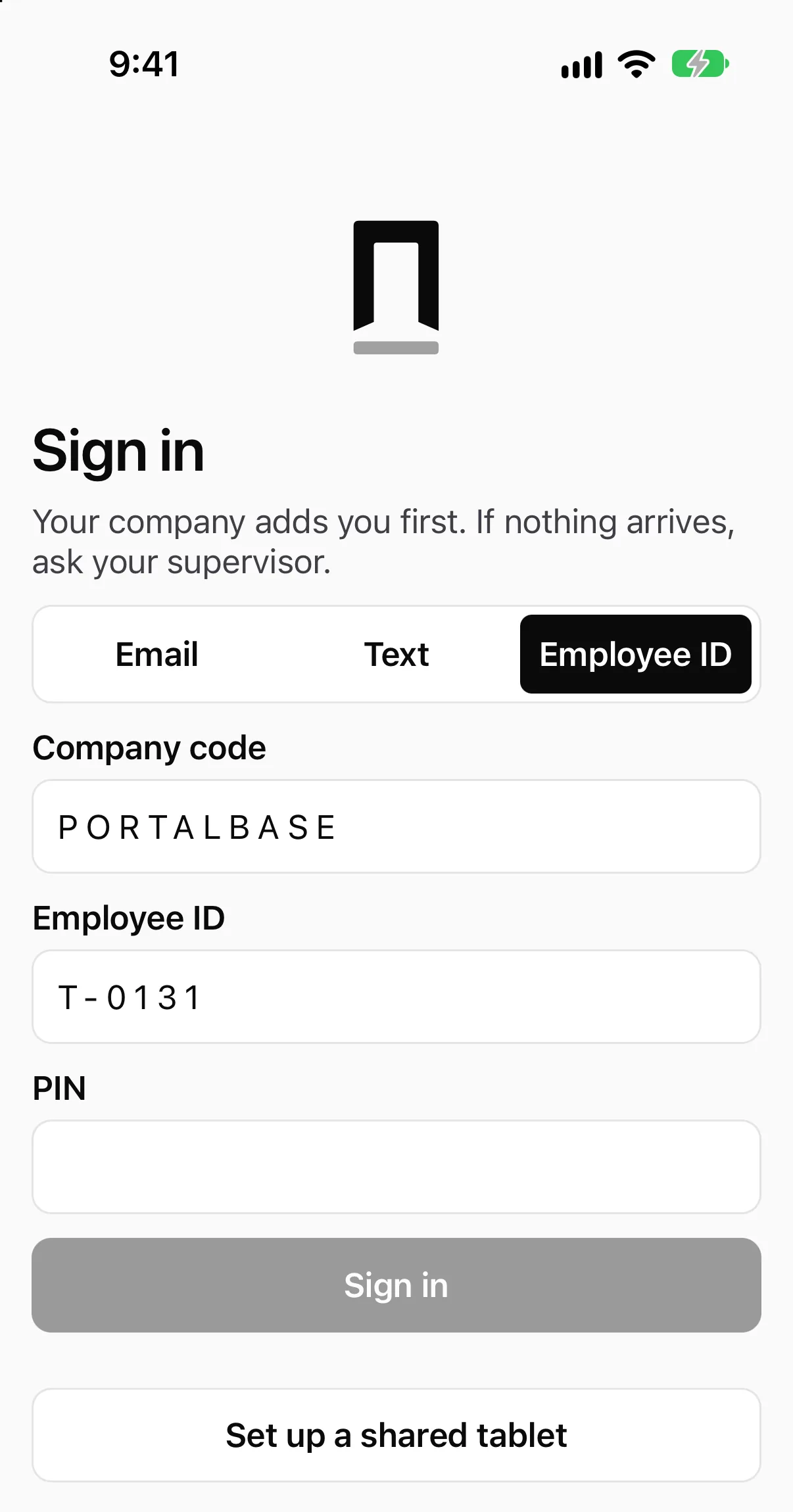
A way in with no email.
Text code, employee ID with a PIN, or a QR badge on a shared tablet. Company single sign-on where it's run.
English and Spanish.
Each worker picks their own. An admin approves translations before they publish.
AI that does real work.
Two jobs it does well, and one rule: a person decides what goes live.
Drafts you publish.
Describe a form, a training or a workflow in a sentence and get a draft to review. Each change shows in the draft and can be undone. Nothing goes live until you publish.
Answers from your own documents.
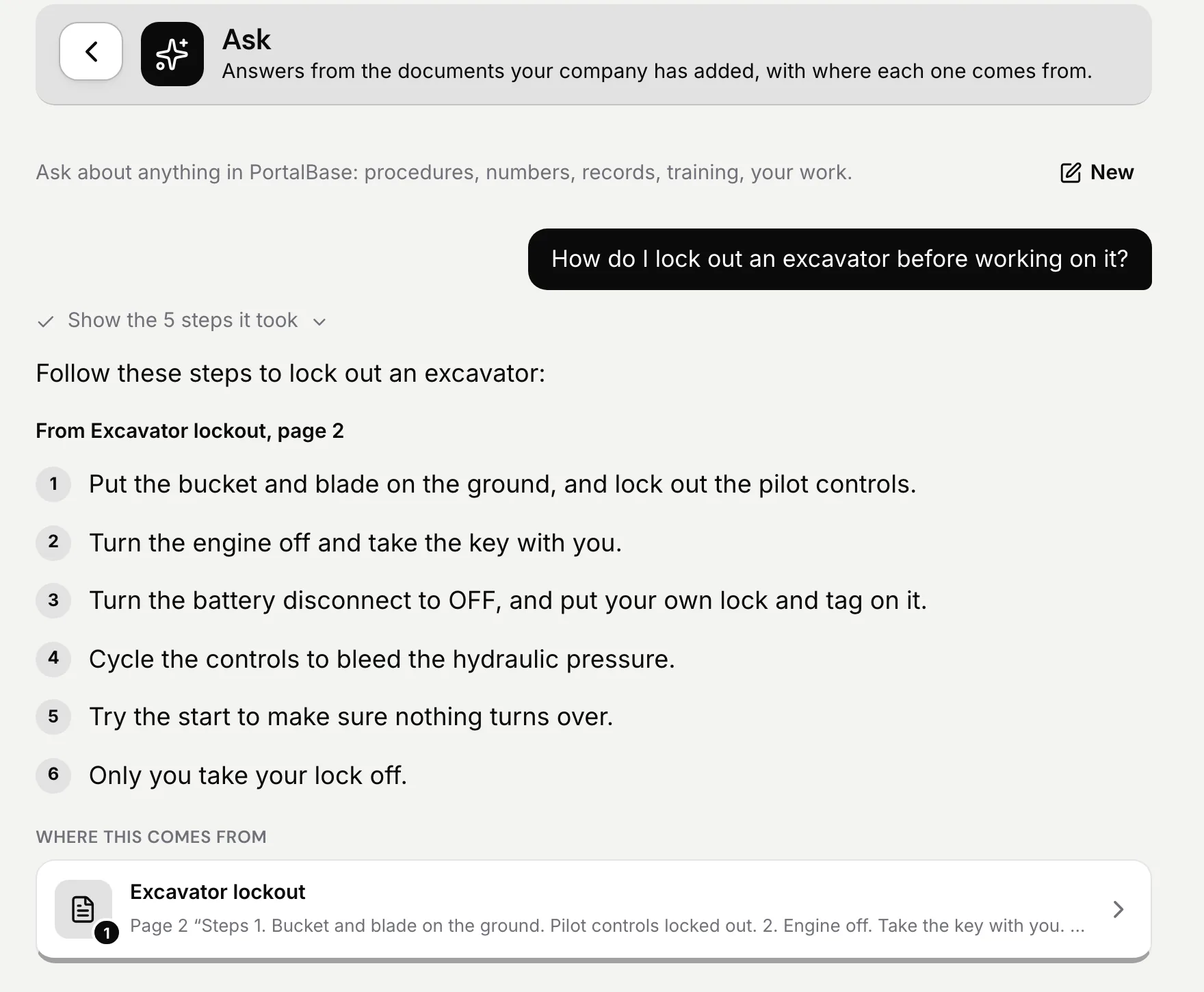
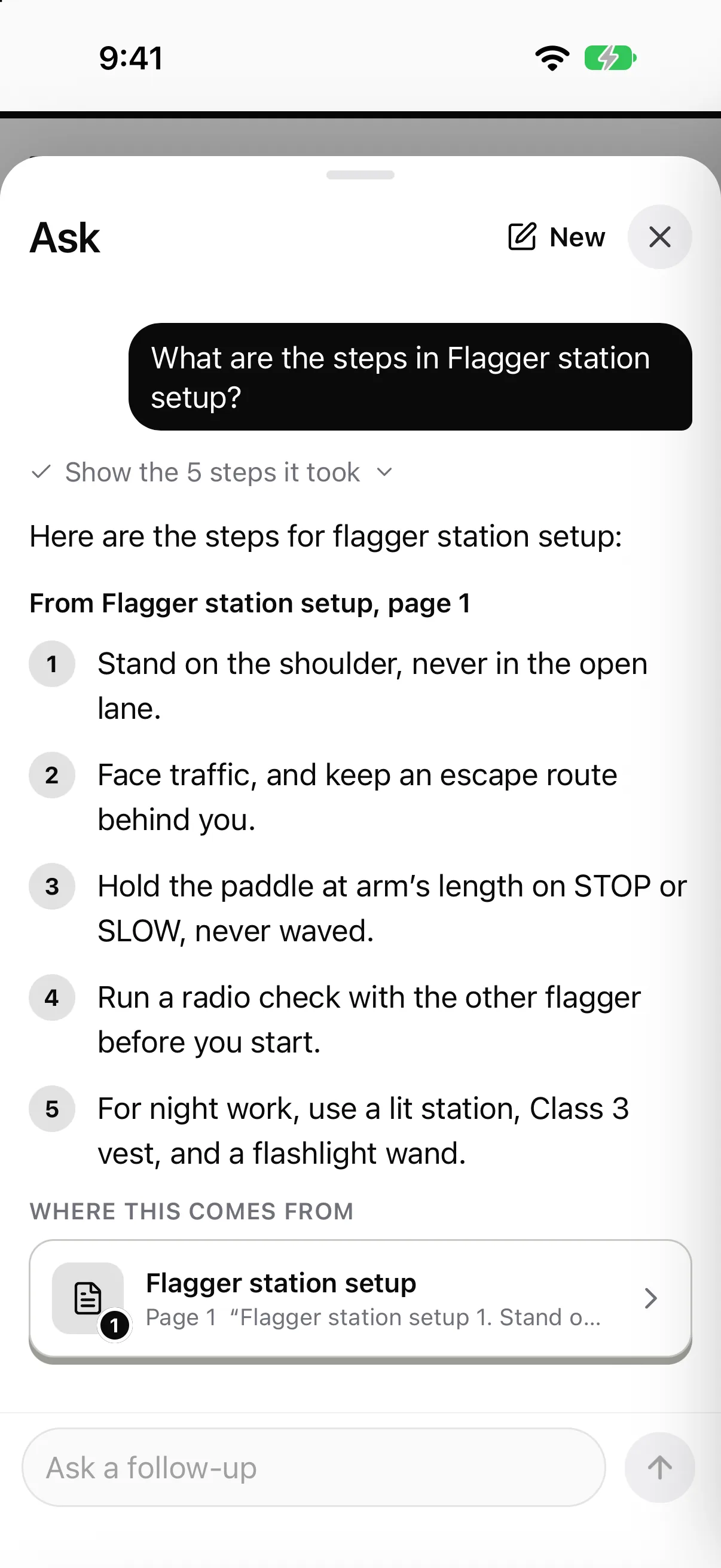
Workers ask in plain words and get an answer from your procedures and training videos, with the page or the moment cited.
It acts as the person who signed in.
It connects to Claude, ChatGPT and Microsoft 365 Copilot, and each connection sees only what that person can.
Records that hold up.
When an inspector, a client or an auditor asks, the answer is a record, not a search through folders.
Every action is on the record.
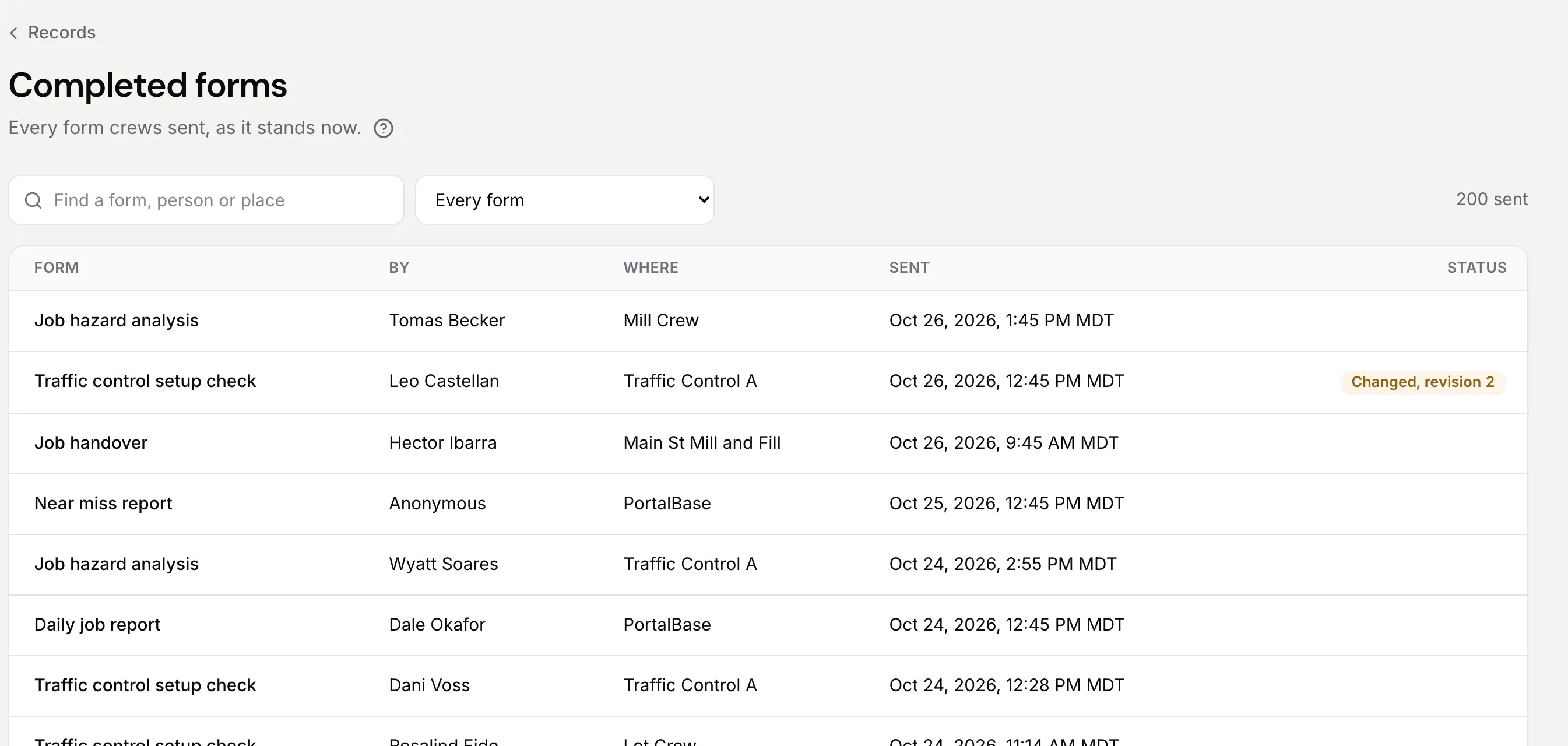
Training, signatures, inspections and fixes show who did what and when. A form changed after it was sent says so, and keeps its first version.
An audit log you can read.
When PortalBase staff set something up for a company, with its consent, every action is logged.
Yours to take.
Export records as PDF or CSV. Your records leave with you in open formats.
Rollout
Live on phones, in six steps.
These are the steps in Setup, in order. Setup marks each one as done, so you always see where you are. We can do them for you, with your consent.
Step 1
Set up your company
Your company code, then your sites and crews, shaped the way you run.
Step 2
Bring in your people
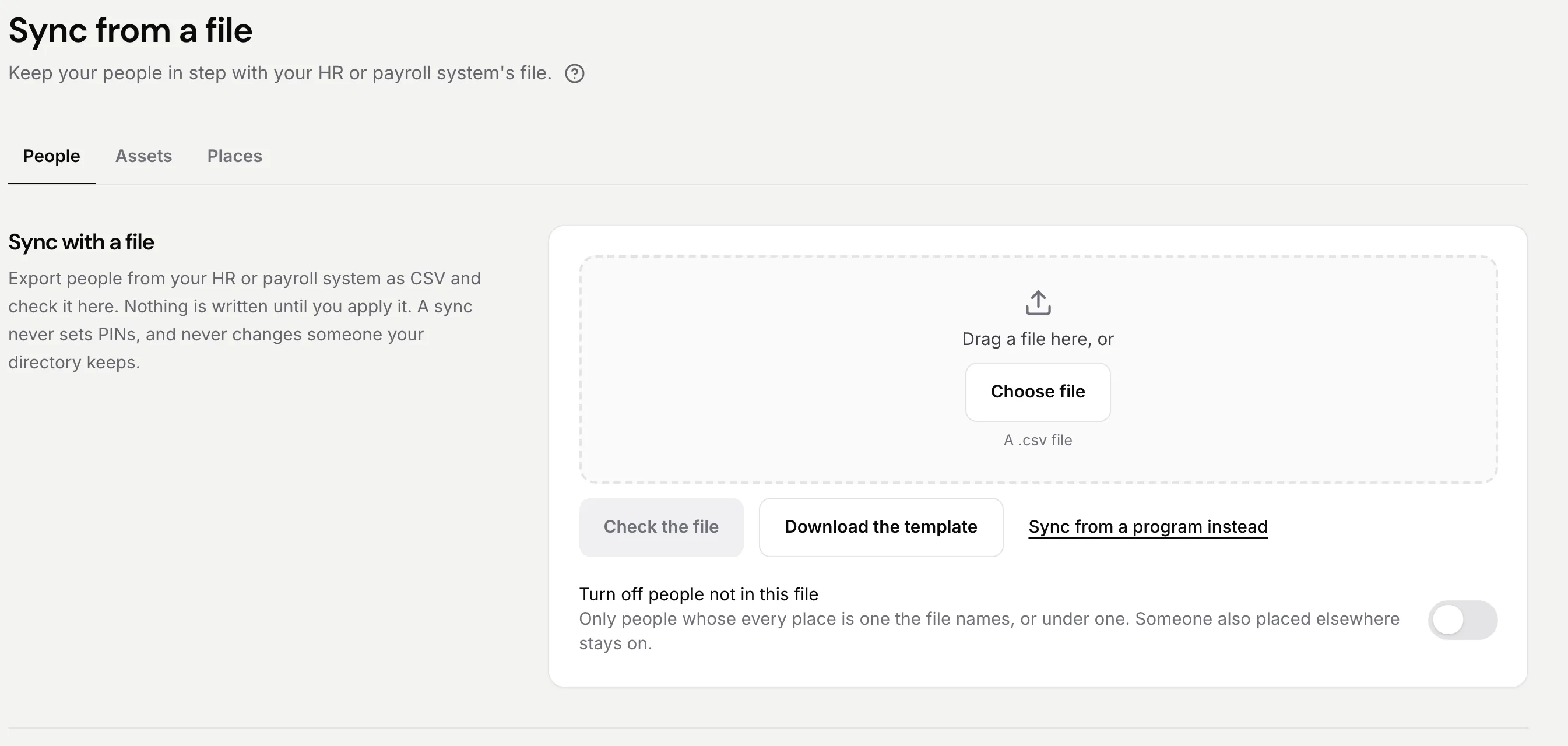
Import them from a spreadsheet, or keep them in step with a file from your HR system, or with Microsoft, Okta or Google. Add company single sign-on if you run it.
Step 3
Start from templates
Start from our templates for a job hazard analysis, a near miss and a toolbox talk, then publish. Or describe one and review the draft.
Step 4
Add the training
Build a training from text, video, PDFs and quizzes, or bring your old courses in as SCORM.
Step 5
Invite your crews
Each person gets a text with a link to sign in, or an email. Crews with no company email use a text code, employee ID and PIN, or a QR badge.
Step 6
The first crew member signs in
Setup shows each step as done, so you can see where you are. Leads review on the web from then on.
What we won't ask of you
Less to set up, less to maintain.
01
No custom development. Setup is choices and imports, not a project with a developer.
02
No work email for crews. A text code, a PIN or a QR badge gets them in, and records show who did the work.
03
No separate admin console. Admin tools sit inside the same web app the whole team uses.
Common questions
- How long does a rollout take?
- It depends on how much you import and which templates you start with. We'll scope it with you up front.
- Can you set it up for us?
- Yes. PortalBase staff can set up a company on its behalf with your consent. Every action is logged in your audit log.
- What do you need from us?
- Your list of people, sites and assets, the inspections and forms you use today, and the training you want assigned. If you run single sign-on, a connection to your directory.
- Does it replace our other systems?
- It can replace the paper, the spreadsheets and the separate training, forms and inspection tools. It also keeps people, equipment and sites in step with your HR, fleet and ERP files, and has an API for your own programs.