
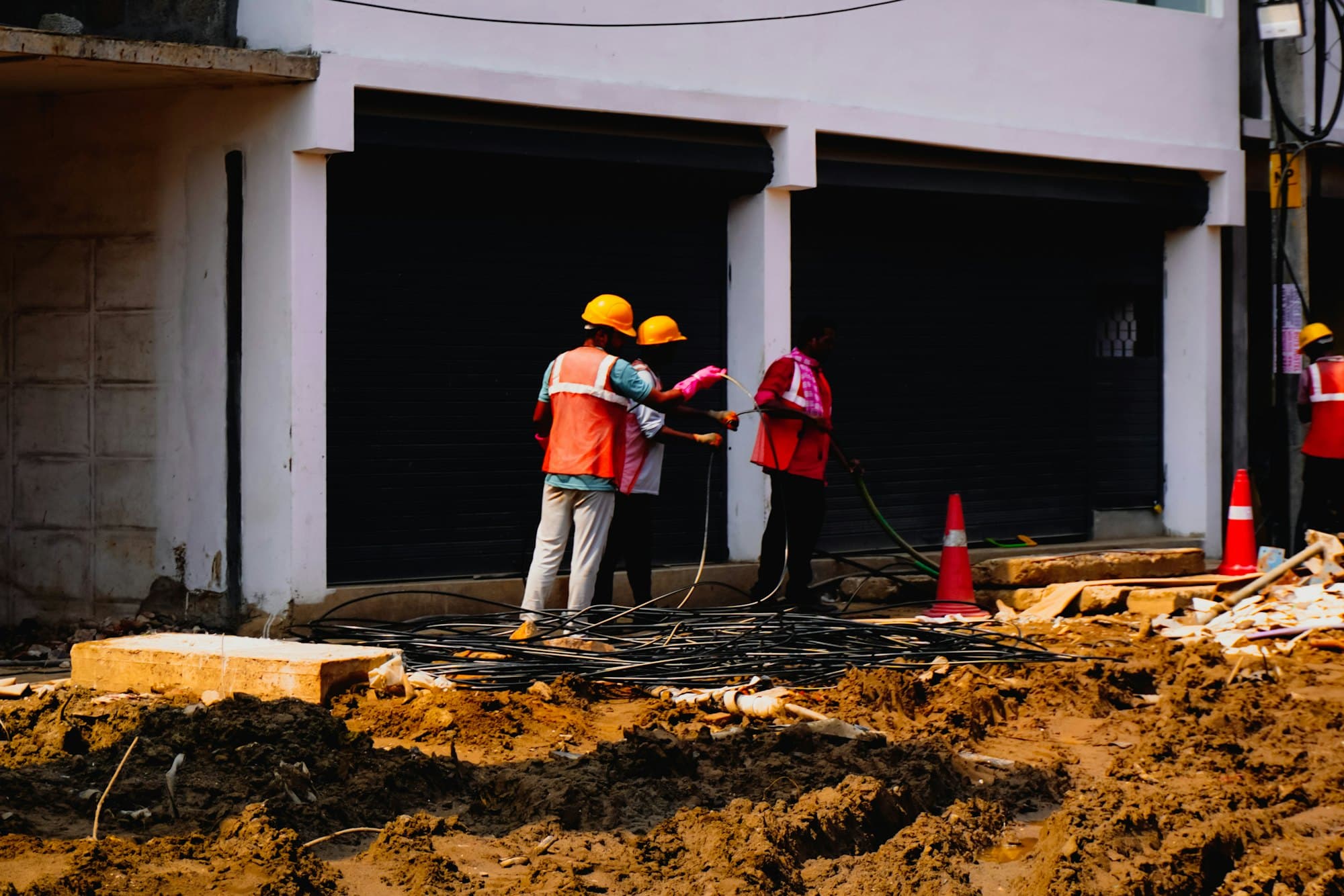
Safety and incidents
When something goes wrong, the record is already started.
A worker reports a near miss from the phone, offline, with photos. A corrective action gets an owner and a due date. A certification gets an alert before it lapses. PortalBase records and organizes the evidence. It doesn't decide what's compliant.
Also calledSafety management, EHS software, Near-miss reporting, OSHA records, Corrective actions
Used in
The solutions that put this product to work.
In the app
An incident report, from the phone, in a minute.
- 01Anyone on the crew can file one from the floor.
- 02Corrective actions get an owner and a due date.
- 03Certifications keep the issuer and the expiry date.
Near miss report
Anything that almost went wrong
Sample company and data, made up for the picture. Tap around.
Incidents
From the phone, on site.
Reports. Incidents and near misses with photos, video, the people involved and witnesses.
Investigation. Notes, statements, root cause and corrective actions live on the incident.
Your call on recordable. Your company marks an incident recordable. The software never makes that call.
OSHA records
The 301 is the incident. The 300 and 300A come from it.
301. Captured by the incident form, with the OSHA fields locked in. You can add to it. You can't remove or rename them.
300 log and 300A. Generated in Reports from your incident records, plus each establishment's headcount and hours. Privacy cases keep the employee's name off the log.
Exports. In the format OSHA's electronic submission accepts. Your company is responsible for what it files.
Certifications
Who's current before you assign the work.
01
Stored per worker
A photo or PDF, with issuer, issue date and expiry.
02
Expiry alerts
To the worker and the supervisor, at intervals your company sets.
03
Show it at the gate
A worker can pull up their own certificates on the phone, offline.
Corrective actions and workflows
When this happens, do that.
Admins build rules in Setup. When something happens, if a condition holds, then do things. Every run is logged and visible.
Step 1
When
A step fails. An answer matches. An assignment goes overdue. A certification nears expiry. An asset changes state.
Step 2
If
A condition you set holds.
Step 3
Then
Create a task for a person, a role at a site or a pool. Open a corrective action. Pull an asset from service. Send a push, text or email. Escalate after a delay.
Step 4
Close it
A corrective action has an owner, a due date, evidence of the fix and a sign-off. It's always linked to what caused it.
Questions
- Does PortalBase make us OSHA compliant?
- No. It records and organizes the evidence your company produces. It doesn't guarantee compliance and it doesn't tell you what's recordable.
- What's included, and what's next?
- Incident reports and the OSHA records are next on the roadmap. Certifications, corrective actions and workflows are part of it.
- Can a record be edited after it's submitted?
- Submitted records are append-only. A correction is a new version and the original stays.
- Who sees the audit trail?
- Your company's admins see an audit log of every admin action and every record change.
Walk us through your last near miss.
Tell us how it got reported, who fixed it and where the paper ended up.
Book a walkthrough