
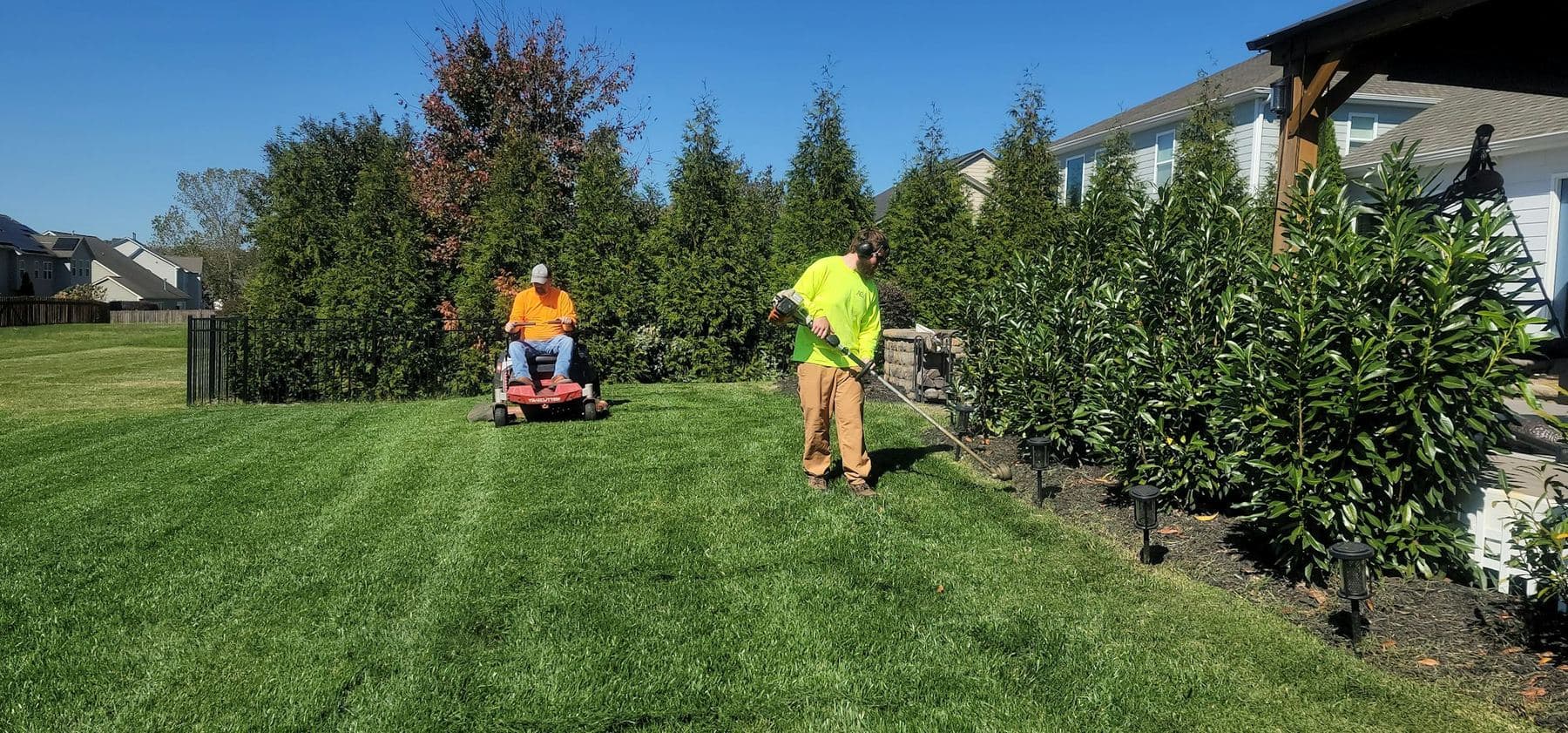
Facilities and grounds
Every site on the route, checked, with a photo to prove it.
PortalBase puts the work order, the building round, the janitorial checklist and the mower check on the tech's phone. They work in the mechanical room, the parking garage and the back forty. Everything saves on the phone and syncs when signal comes back.
In the app
What a facilities and grounds crew opens first.
Today’s tasks, the training that’s due, the checks and the forms. The tiles and the work are set up for Harlow Reach Facilities, a made-up company. Yours would be set up for your crews.
Try it yourself Harlow Reach Facilities
Ruben Sattler
Route supervisor. North sites
Sample company and data, made up for the picture. Tap around.
What gets checked
The rounds somebody has to be able to say they made
Mechanical room and rooftop rounds. Boilers, pumps, air handlers, rooftop units. Scan the tag on the equipment and its checklist opens. Mark each step Pass, Concern or Fail.
Read more →Fire extinguisher and emergency light walks. Walk the building, scan each one, mark it. A Fail opens a corrective action with an owner and a due date.
Read more →Mower, trimmer and truck checks. Blades, guards, fluids, tires. Each machine is an asset with its own history of checks and repairs.
Read more →Janitorial closet and restroom checks. Chemical labels, supplies, the cart. A photo of the finished room where you want one.
Read more →The paperwork
What your techs and crews fill out today
01
Work order. Each one is an assignment with an owner, a due date and photos before and after. Blocked orders carry a reason.
02
Round sheet. The route in order, one tile per stop. Skipped stops show up for the supervisor, not just the finished ones.
03
Chemical and safety talk. Pick the topic, record who was there, get signatures on a phone. Weekly talks assign themselves to every crew lead.
04
Incident report. A slip, a cut, a strain, a near miss. Photo, location and what happened go to the safety lead.
Signal and crew
Basements don't get bars. Your seasonal crew doesn't have your email.
On the route
Parking garages, mechanical rooms, a ballfield on the edge of town. The checklists and work orders are already on the phone. Photos upload later, in the background.
On the crew
Your own techs, a night cleaning crew, summer grounds hires. Sign them in by text code, by employee ID and PIN, or by QR badge on a shared tablet at the shop. Each record carries the person who did the work, not the device.
Across the sites
One lead sees every building and every route in one place. Filter by site, by crew or by the equipment that keeps failing.
A day on one route
From the shop to the last stop
Step 1
At the shop.
The crew lead opens Today. The truck check and the day's work orders are waiting, in route order.
Step 2
At each site.
Scan the equipment, do the round, snap the photo. A Fail opens a corrective action and notifies the supervisor.
Step 3
Between sites.
Work orders get closed from the truck. Anything with no signal saves and sends later.
Step 4
In the office.
The facilities manager sees which sites got their rounds and which didn't, then opens any record behind the number.
Straight answers
- Can a cleaning or grounds crew use it without a company email?
- Yes. Crews without email sign in by text code, by employee ID and PIN, or by QR badge on a shared device. The company picks which.
- Does it replace hands-on training on a boiler or a mower?
- No. Courses and skill checks record what was taught and shown. Where the work needs hands-on training in person, that still happens in person.
- Does it make a building compliant?
- No. It records and organizes the evidence: who, when, where, what was checked. Your rules and the rules of the bodies that apply to you still decide what compliant means.
Tell us how your routes run.
Send us a round sheet and a work order. We'll show you what they look like on a tech's phone.
Book a walkthrough