
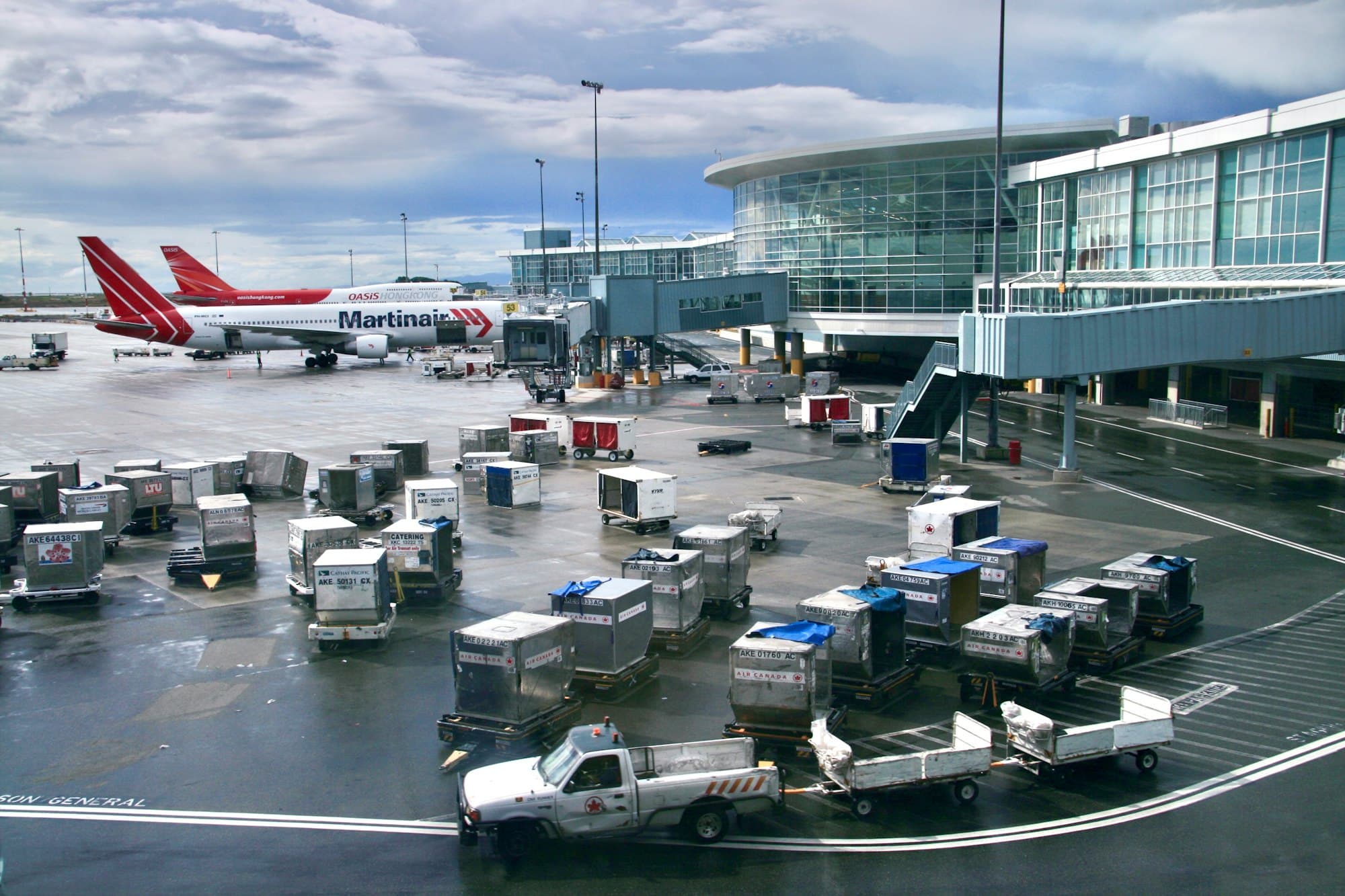
Aviation
A turn is minutes long. The tug check can't be the thing that gets skipped.
PortalBase puts the belt loader check, the tug check, the FOD walk and the driver authorizations on the ramp agent's phone. Shared tablets in the break room, mixed employers on one ramp and a hangar with no signal all work.
In the app
What a aviation crew opens first.
Today’s tasks, the training that’s due, the checks and the forms. The tiles and the work are set up for Aerowick Ramp Services, a made-up company. Yours would be set up for your crews.
Try it yourself Aerowick Ramp Services
Dani Holloway
Ramp agent. Gate B
Sample company and data, made up for the picture. Tap around.
What gets checked
Ground support equipment, every shift
Tugs and tractors. Scan the tag, run the template, record meter hours. A failed brake step puts it out of service until it's released.
Read more →Belt loaders and carts. Photo evidence on the steps you choose. The record shows who checked it and when.
Read more →De-icing and fuel trucks. Each unit is an asset with its repairs and sign-offs in order. Mechanic first, then the operator, if that's your order.
Read more →FOD walks. A recurring task for each ramp section, with a photo of what turned up. Supervisors see which sections were walked.
Read more →Shift change
The ramp doesn't close between shifts
What goes wrong
A cart with a bad wheel gets mentioned at the counter and never written down. The next shift pulls it out.
What the handover does
The outgoing lead adds the item with a photo and signs. The incoming lead acknowledges. An open item becomes a task in the pool for the next shift, in one tap.
Who's on the ramp
Several employers, one ramp
01
Contract ground crews. A handler, a fueler and an airline's own agents. Each company's records stay its own, and the people sign in with a text code or a QR badge.
02
Shared tablets. One tablet in the break room. Switch workers with a PIN, and the record shows the person, not the tablet.
03
English and Spanish. Each worker picks their language. Course text and captions are translated and an admin approves them before they go out.
A new ramp agent
Day one to cleared to drive
Step 1
Invite.
Import the people, invite them by text. They sign in on their own phone or the shared tablet.
Step 2
Assigned.
Role, station and hire date set what they get. A learning path puts the courses in order.
Step 3
Shown.
A lead records the agent running the equipment against a checklist. Each step is Pass, Concern or Fail, and both sign.
Step 4
Carried.
Their certificates show on the phone. Expiry alerts go to the agent and the lead.
Limits
What it doesn't do
- Doesn't replace your authority's rules. FAA and airport rules still decide what each person must be trained and authorized for. PortalBase records the evidence.
- Doesn't replace hands-on. A course doesn't clear anyone to drive on the ramp. The in-person training does.
- Doesn't run flights. No dispatch, no scheduling, no time clocks in the first version.
Free tools and talks for this field
Free tool
GSE daily inspection checklist
A daily check for tugs, belt loaders, GPUs and stairs on the ramp
Free tool
Toolbox talk sign-in sheet
A sign-in sheet and notes page for a short safety talk
Free tool
Incident report form
Record what happened, who was involved and what gets fixed
Free tool
LTIR calculator
Lost time injury rate and severity rate, with the formula shown
Toolbox talk
Slips, trips and falls
Slips, trips and falls toolbox talk. Check the path, clear what's in it, and report wet spots, loose cords and bad footing.
Toolbox talk
Ladder safety
Ladder safety toolbox talk for crews. Pick the right ladder, inspect it, set it up on solid ground and keep three points of contact every time you climb.
Guide
Frontline platform buyer's guide
Frontline platform buyer's guide: what to ask vendors about offline use, sign-in, inspections, training, security and cost, with red flags to watch.
Show us your equipment list.
Send us the tugs, loaders and checks you run now. We'll build the first templates with you.
Book a walkthrough