
Utilities
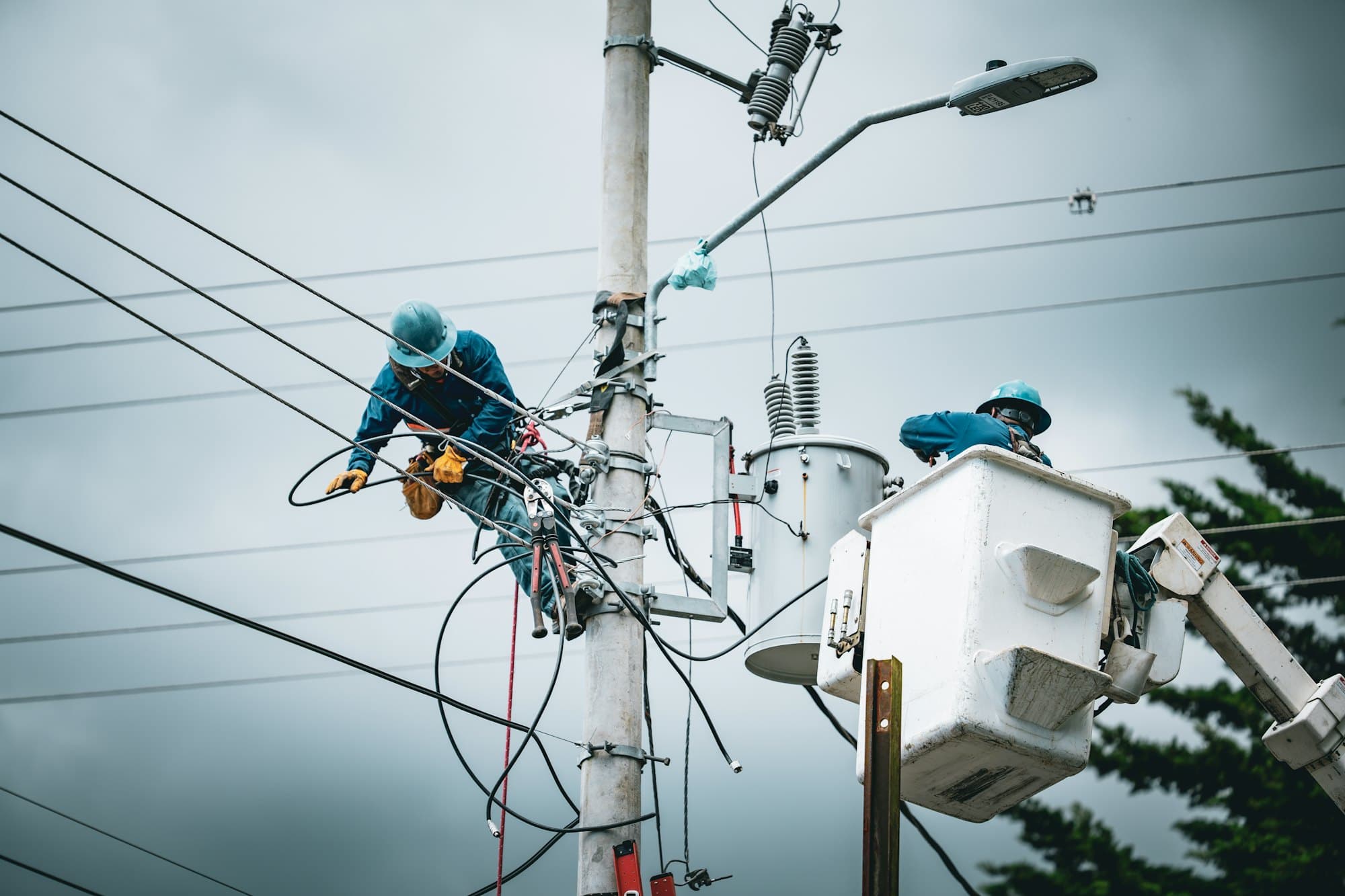
A trouble call at 2am. The tailgate still gets signed before anyone climbs.
PortalBase carries the tailgate, the bucket truck check, the crew's certifications and the day's work orders on the phone. It works on a county road with no bars. When a mutual aid crew shows up, you can add them and give them the day's work from the same list.
In the app
What a utilities crew opens first.
Today’s tasks, the training that’s due, the checks and the forms. The tiles and the work are set up for Kestrel Valley Line Crews, a made-up company. Yours would be set up for your crews.
Try it yourself Kestrel Valley Line Crews
Hank Dillard
Lineman. Distribution crew 3
Sample company and data, made up for the picture. Tap around.
A trouble call
From dispatch to the signed tailgate
Step 1
Assigned.
The job lands in the crew's pool or goes to a named lineman. A work order from an outside system comes in the same way.
Step 2
Tailgate.
The foreman opens the form, lists the hazards and the controls, and gets signatures from each person on the crew.
Step 3
Truck check.
The bucket truck's template runs on the phone. Scan the tag on the truck to prove the walkaround happened at the truck.
Step 4
Closed out.
Photos of the work and the result go on the record. A supervisor verifies it.
What gets checked
Gear that has to be right before it goes up
Bucket and digger trucks. Each unit is an asset with its checks, repairs and sign-offs in order. A failed boom step can put it out of service.
Read more →Rubber goods and tools. Tag, template, photo. The record shows who checked what, and when.
Read more →Pole and line patrols. A repeating routine for each district. A supervisor sees who's done their segments and who hasn't.
Read more →Substation walks. Add a finding with a photo and a reading. Open items sit in the area's log until someone fixes them.
Read more →Dead zones
Where the signal drops
01
Rural right-of-way. Long runs between towers, nothing on the phone. Tasks, forms and procedures are already downloaded.
02
Storm response. Towers are down and the network is too. Records saved on the phone sync as the crew gets back in range.
03
Underground vaults. Down the manhole, the checklist still works. The photo uploads once the crew is back up top.
Who's on the crew
Your linemen and everyone who shows up to help
Your own crews
Sign in once through company SSO. Certifications and expiry dates sit on each person's record, with alerts to the worker and the supervisor.
Mutual aid and contractors
A crew from another utility has no login on your system. Sign them in by text code or QR badge, give them the tailgate and the procedures for your system, and keep their records separate from the people you employ.
Straight answers
- Can it show who's current on a certification before I assign the job?
- Yes. Qualification requirements by role and site let a supervisor see who isn't current before assigning work.
- What happens when a lineman leaves?
- Deactivating the person takes effect immediately. The app's data is cleared from their device at the next contact. Nothing else on the phone is touched.
- Does it handle switching orders?
- No. It records the tailgates, the checks and the paperwork around the work. It doesn't replace your switching procedures or your control room systems.
Free tools and talks for this field
Free tool
Vehicle pre-trip checklist
A walkaround and in-cab check before a truck leaves the yard
Free tool
Aerial lift inspection checklist
A pre-use check for boom lifts, scissor lifts and bucket trucks
Free tool
Ladder inspection checklist
A quick check for step, straight and extension ladders
Free tool
LTIR calculator
Lost time injury rate and severity rate, with the formula shown
Toolbox talk
Slips, trips and falls
Slips, trips and falls toolbox talk. Check the path, clear what's in it, and report wet spots, loose cords and bad footing.
Toolbox talk
Ladder safety
Ladder safety toolbox talk for crews. Pick the right ladder, inspect it, set it up on solid ground and keep three points of contact every time you climb.
Guide
Frontline platform buyer's guide
Frontline platform buyer's guide: what to ask vendors about offline use, sign-in, inspections, training, security and cost, with red flags to watch.
Walk us through a storm night.
Tell us what the crew carries today. We'll show you where it fits on the phone.
Book a walkthrough