
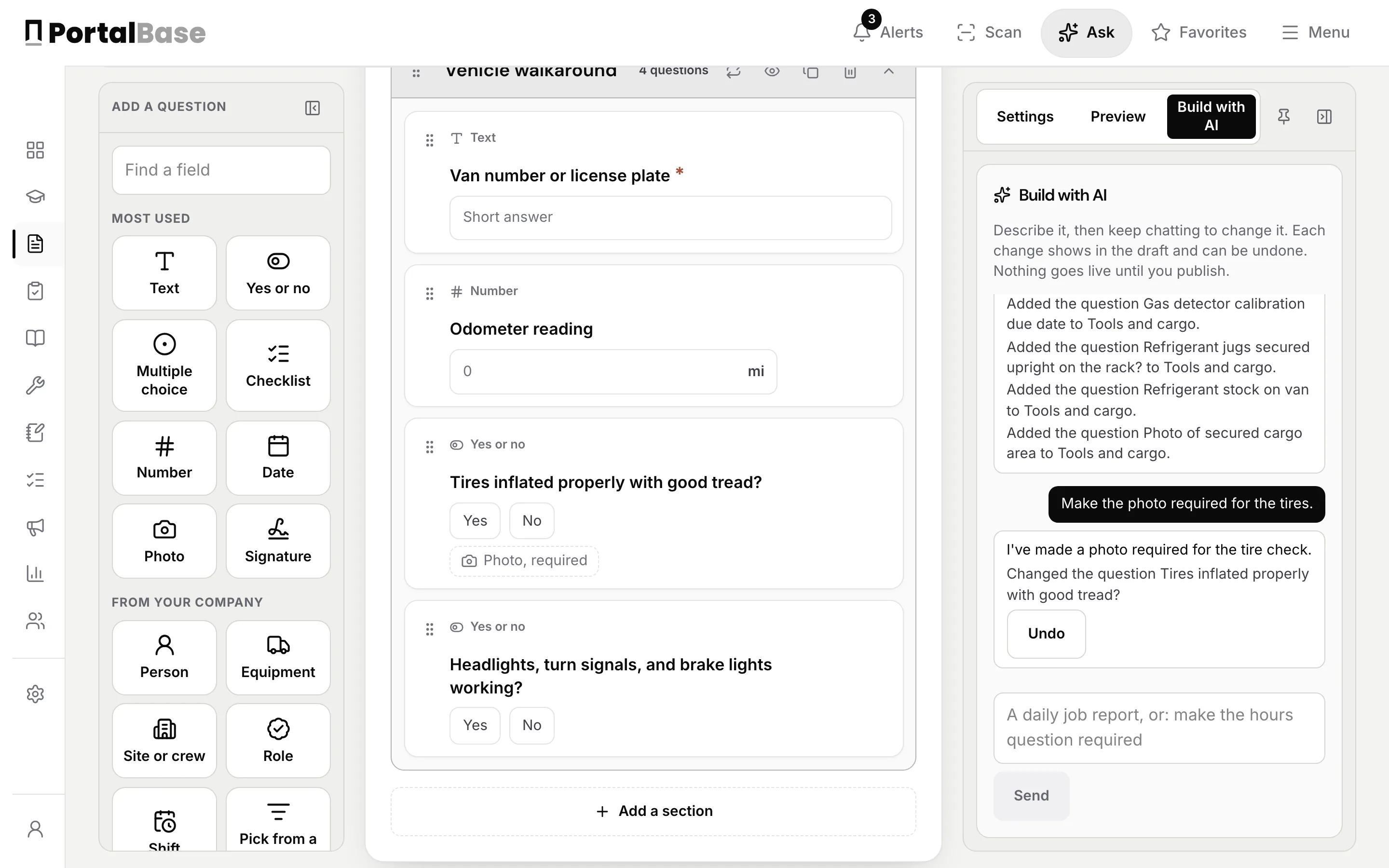
Open the form builder, choose Build with AI, and say what you need. In the picture, the sentence was a daily van check for a service tech: tires, lights, ladders, a gas detector and refrigerant on the shelf.
The draft appears in the builder, and the chat beside it lists every question it added. Then change it in plain words. In the picture, the follow-up is to make the photo required for the tires. The question now shows a required photo.
Each change shows in the draft and can be undone, and nothing goes live until you publish. The same chat is beside the inspection builder and the workflow builder.
Sample data from our own demo company.